Data recovery guides to read before you touch the drive again.
Practical decisions, laboratory research and documented case files from Datraction’s UK team. Every guide starts with the safest next action; every case states where the result stopped.

Browse the library
All published guidance and case evidence remains visible to search engines and answer systems. The filters change only what you see on this page.
Guidance is reviewed by the Datraction Technical Team. Platform and encryption articles carry their own review dates and primary sources.
Showing all 16 resources.
View the case study portfolio-
Your hard drive is clicking. Stop, and read this first.
An occasional soft click can be normal, but a new, repeated hard click from a drive that is slow, missing or unable to open files should be treated as a possible mechanical failure. If the data matters, shut the device down and do not run repair software, benchmarks or repeated power tests.
-
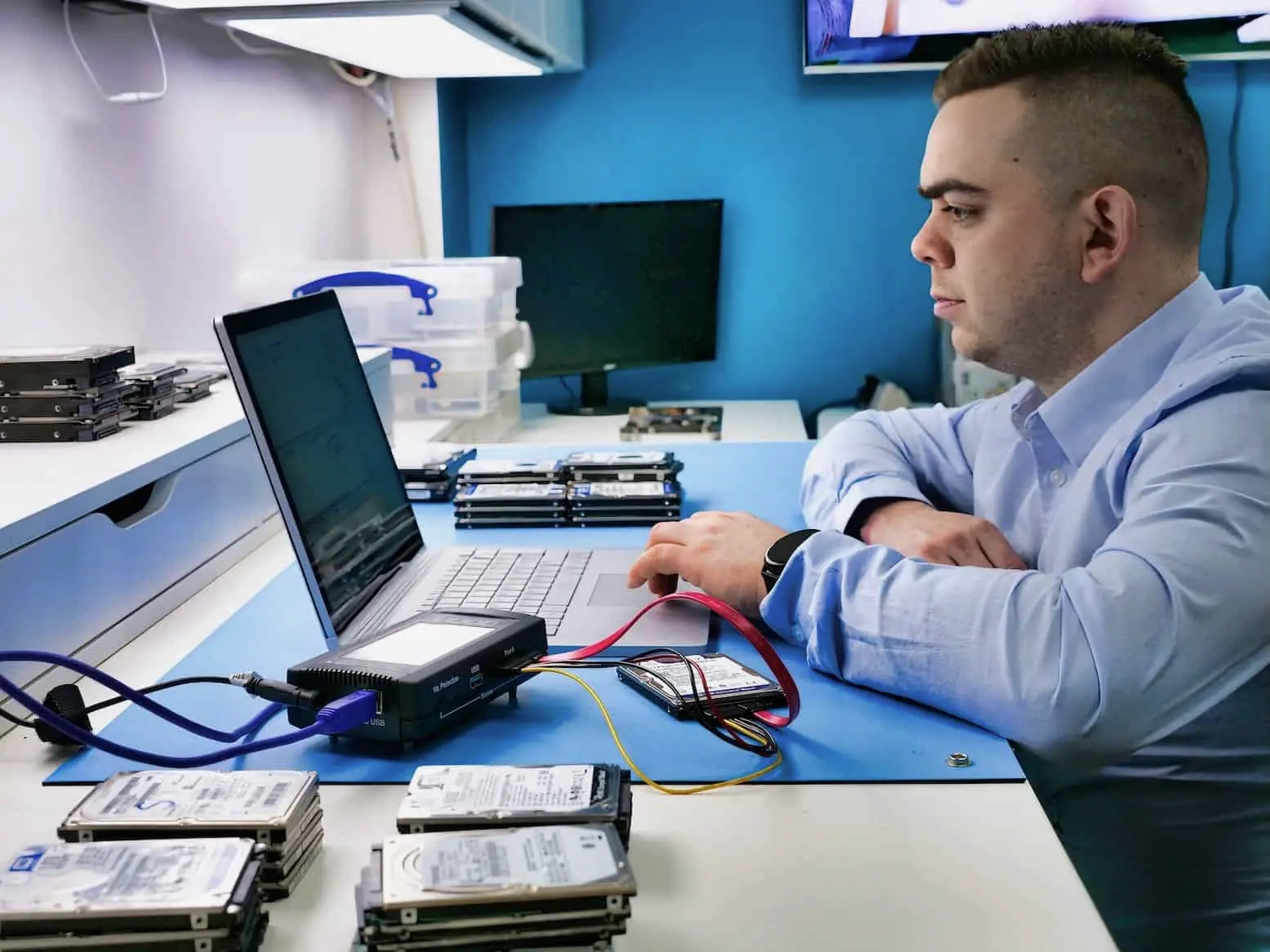
90.4 GB recovered from a BitLocker-protected Surface Pro 4
With the correct BitLocker key available, 90.4 GB was copied successfully and the completed job record counted 60,504 recovered files.
-

Drive not detected: failed disk or failed enclosure?
A drive missing from Finder or File Explorer may still be visible to the operating system, which points towards a mount, partition or file-system problem. A drive absent from Disk Management, Disk Utility and firmware may have a connection, enclosure, power, electronics or physical fault. Do not initialise or format it to find out.
-
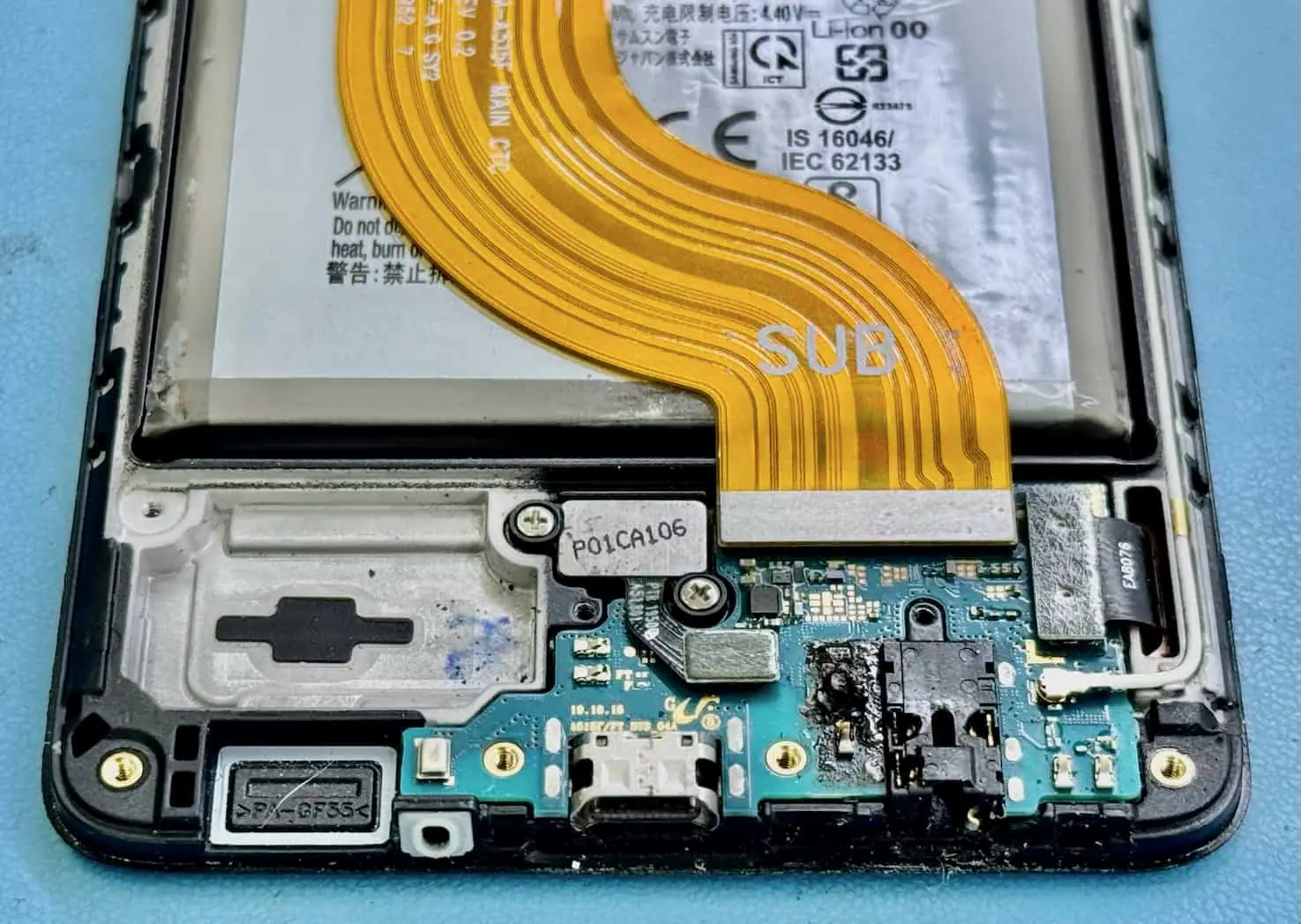
More than 40 GB recovered from a liquid-damaged Pixel 6 Pro
Board-level work and a replacement battery brought the original phone into a usable state long enough to copy more than 40 GB to external flash storage.
-

Lost your BitLocker recovery key? What is and is not possible.
A BitLocker recovery key is a 48-digit number used when Windows cannot unlock an encrypted drive automatically. Check the key ID against every personal Microsoft account, work or school account, printout and USB record before resetting the PC. Microsoft states that it cannot retrieve, provide or recreate a key that has been lost.
-
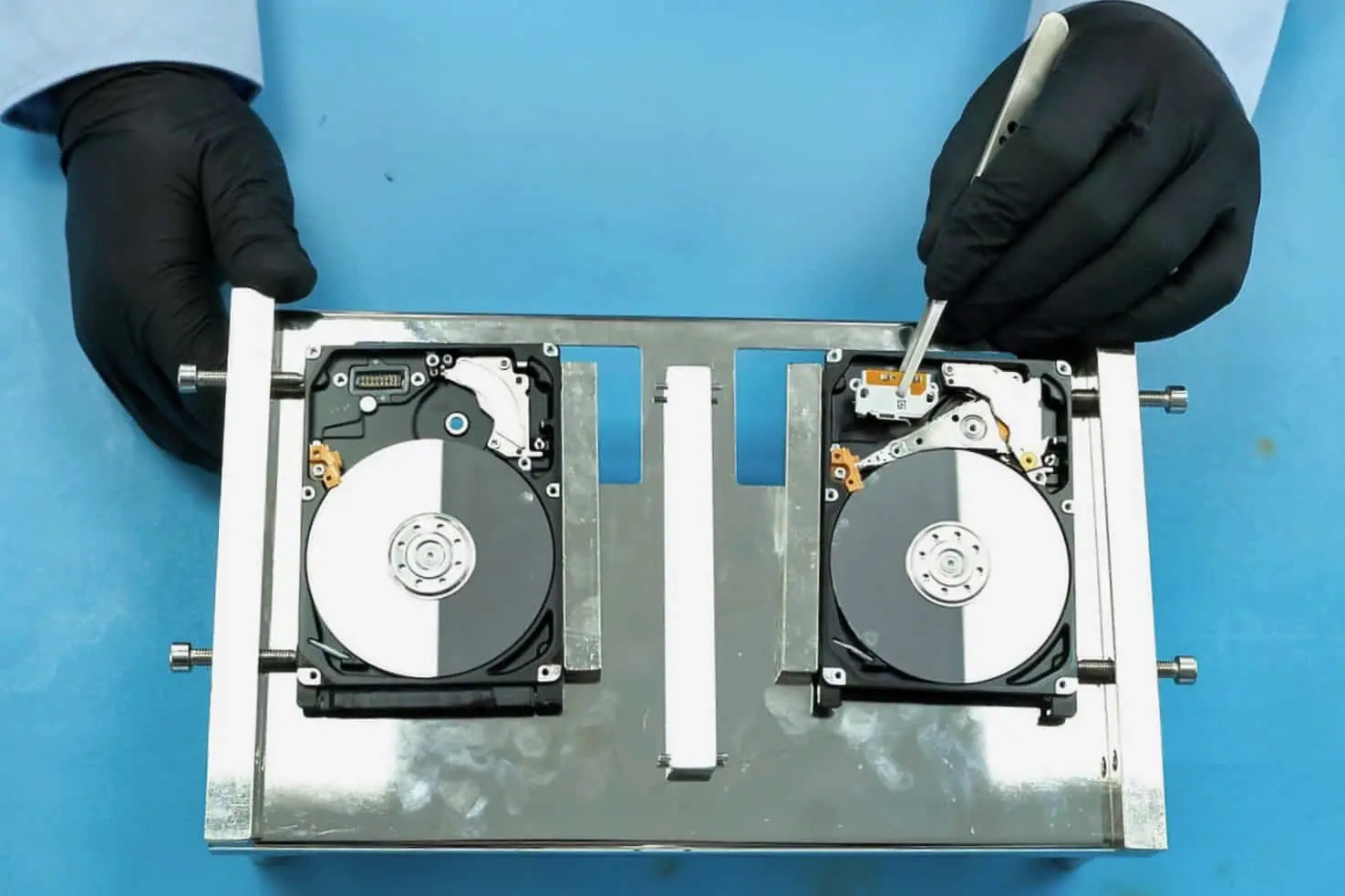
130 GB recovered from a Seagate drive with damaged heads
Approximately 130 GB was recovered after donor attempts, although some files remained incomplete and the result was therefore recorded as partial.
-

When data recovery is not possible.
Data recovery is not possible when the only copy has been overwritten, securely erased or permanently deleted from a provider account, when essential encryption keys no longer exist, or when the part of the recording medium holding the data has been destroyed. Before accepting that answer, check whether another authorised copy, backup, snapshot or device remains.
-
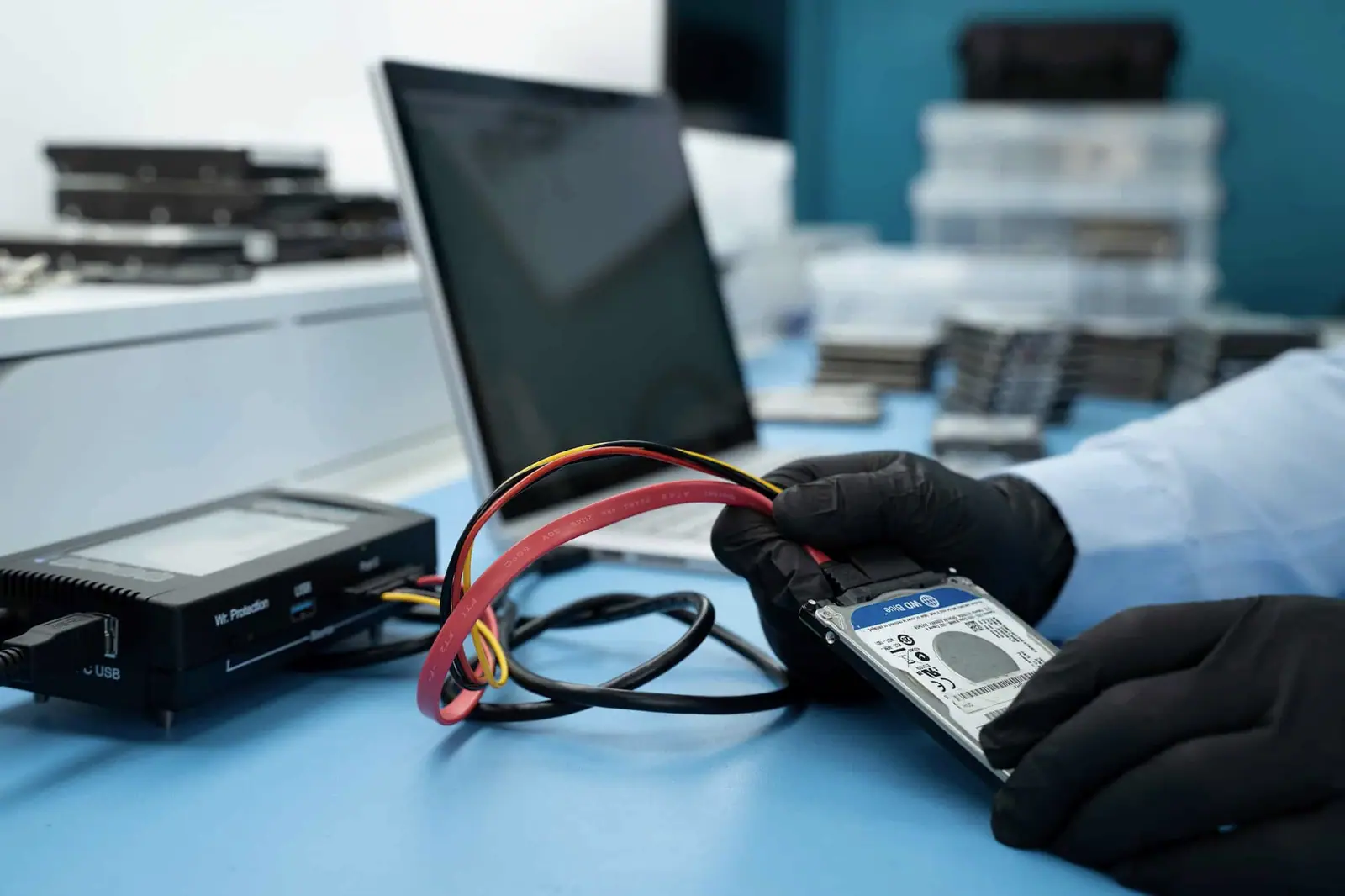
Data recovered from an external drive that kept disconnecting
The drive was handled through PC-3000, the accessible data was recovered successfully and the completed copy was returned on a 1 TB external drive.
-
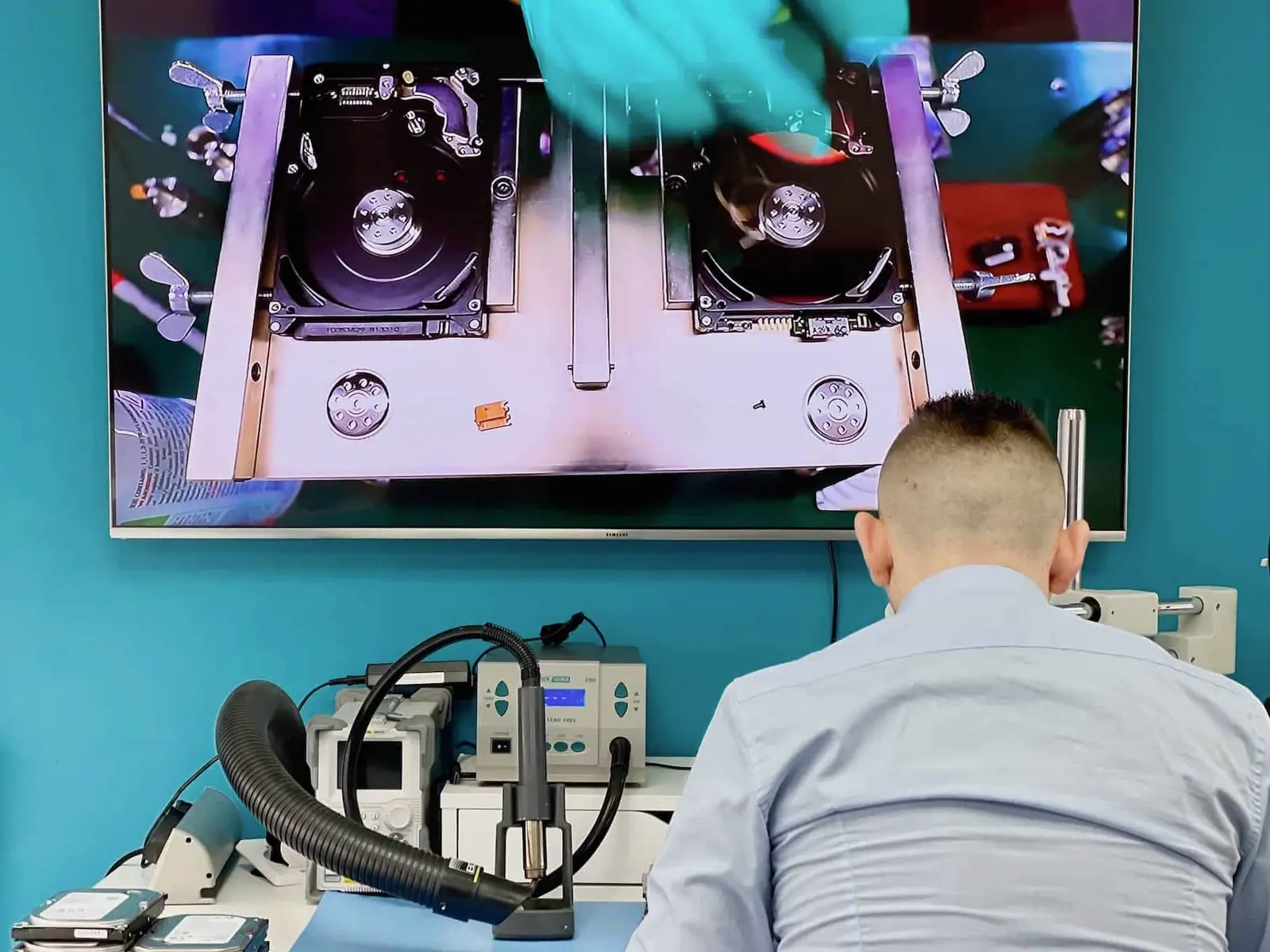
Is AI actually used in data recovery — or is it mostly marketing?
Yes, but “AI data recovery” currently covers several different jobs. At least 2 consumer software vendors publicly market AI-assisted scanning or file repair, while the professional laboratory tool pages we reviewed emphasise controlled imaging, firmware access and reconstruction. AI can help classify or validate data; it cannot read destroyed media, reverse completed overwrite or invent a missing encryption key.
-
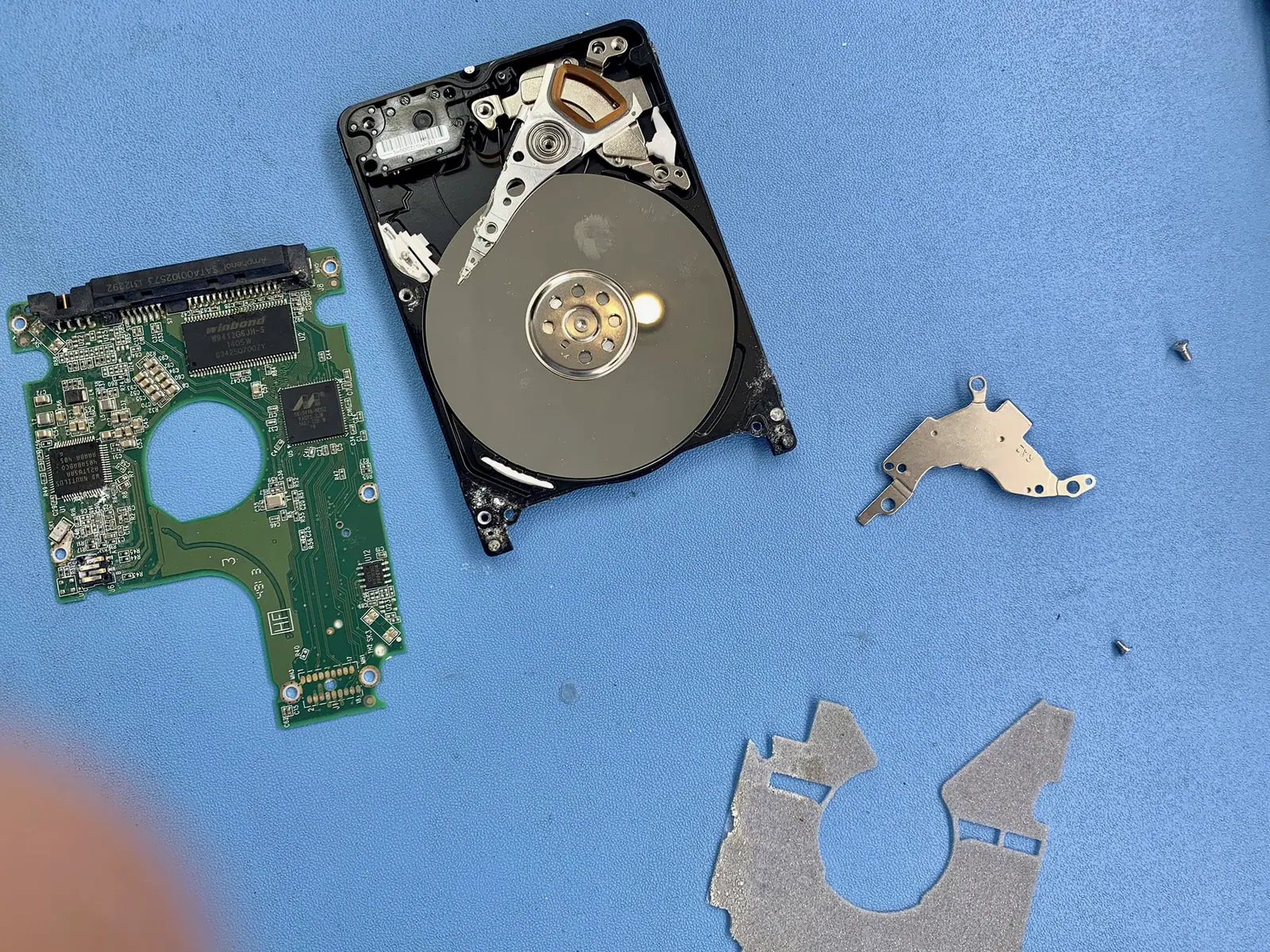
Why a dropped WD My Passport could not be recovered
Despite work with multiple donors, a safe and useful image could not be produced, so the final result was recorded as unrecoverable.
-

Deleted files from an SSD: what TRIM changes.
TRIM tells an SSD that particular logical blocks are no longer needed. On a modern system, deleted data may therefore stop being returned through the normal interface before new files visibly overwrite it. Recovery is still case-specific: the command may not have passed through, the device may be offline, or a supported controller-level route may exist.
-
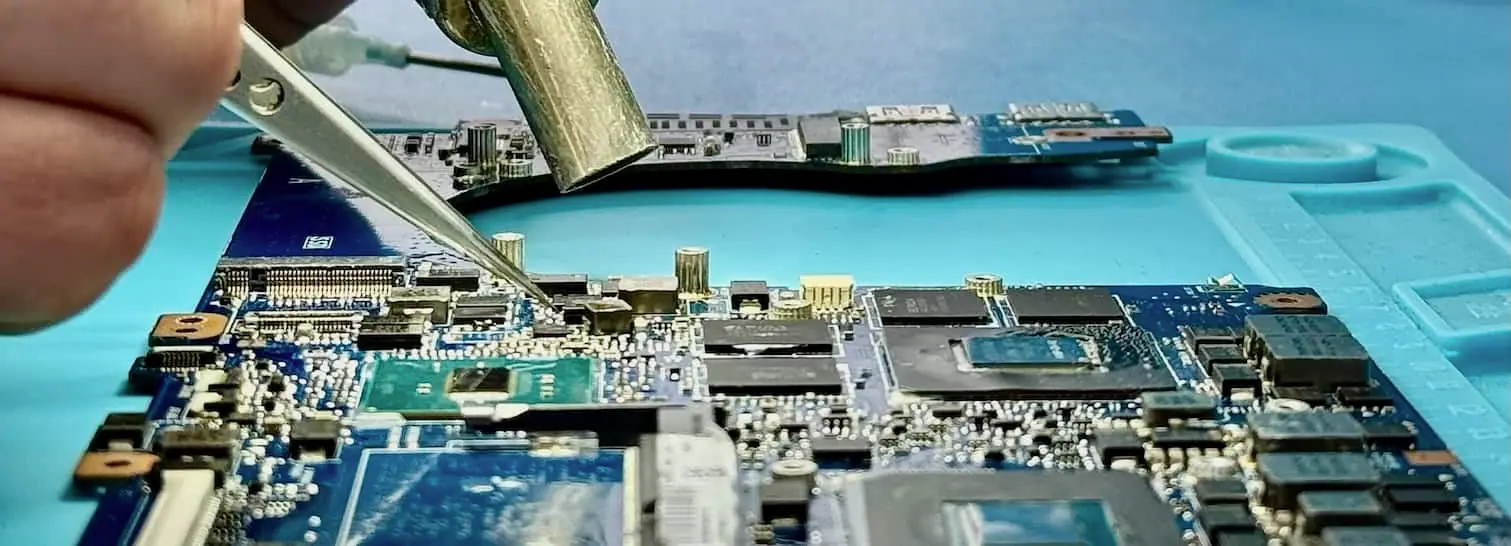
271 GB recovered from a 2013 MacBook Air
A new external disk was obtained for the return copy and 271 GB of recovered MacBook data was written to usable media.
-
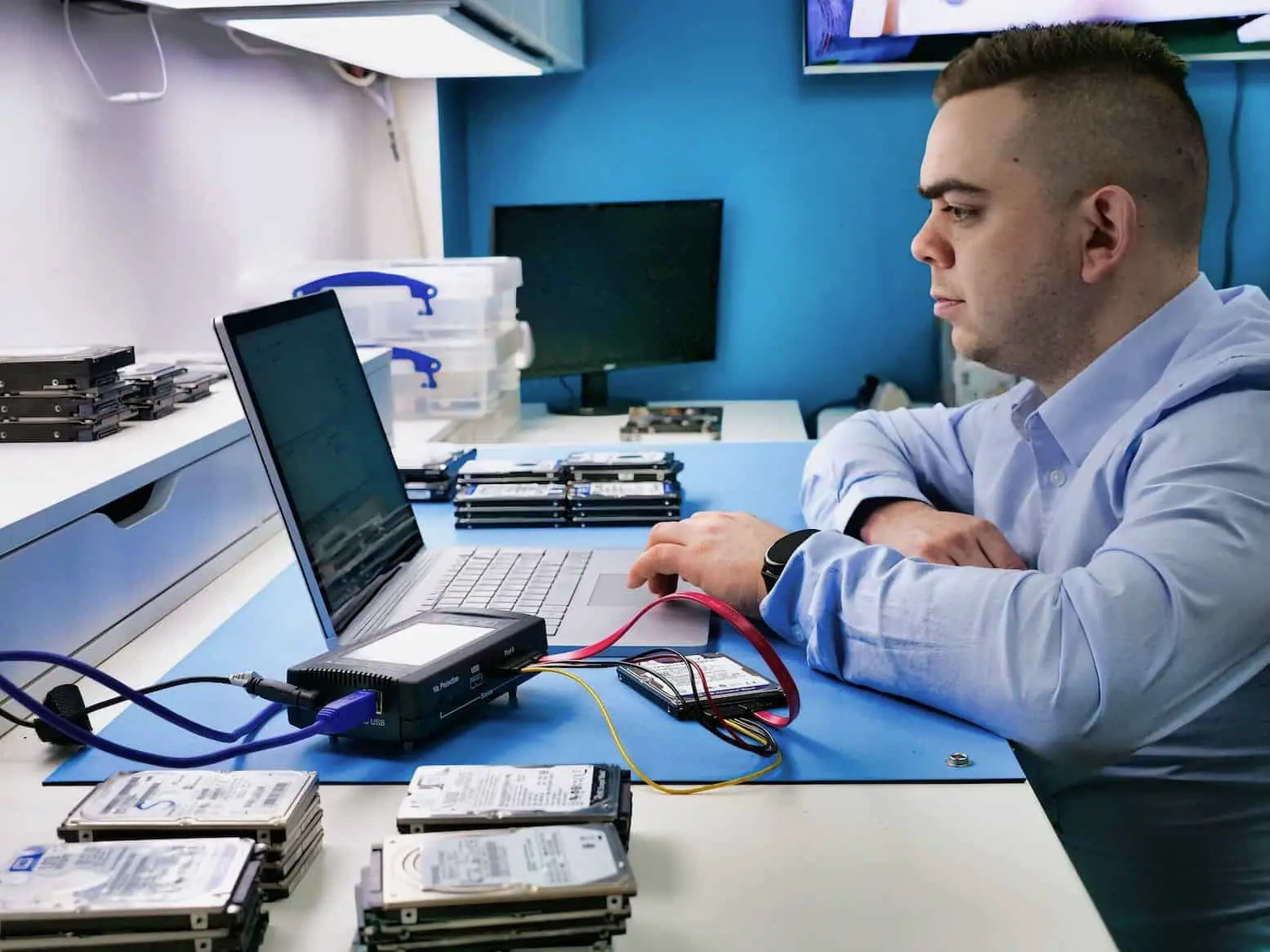
RAID or NAS degraded? Do not rebuild it on guesswork.
A RAID rebuild is appropriate only when the failed member is correctly identified, the remaining members are healthy, the layout is known and the data is backed up. If the volume is inaccessible, 2 drives show errors, slot order is uncertain or a rebuild has already failed, stop services and preserve every member before another write operation.
-
111 GB recovered before rebuilding an HP all-in-one computer
The recovery produced 111 GB across 140,658 files, after which a new SSD and Windows were installed as a separate repair stage.
-
Why PC-3000 found no data after OneDrive overwrote local folders
Examination with PC-3000 did not find recoverable data on the SSD, so the device route ended without a usable recovery.
-
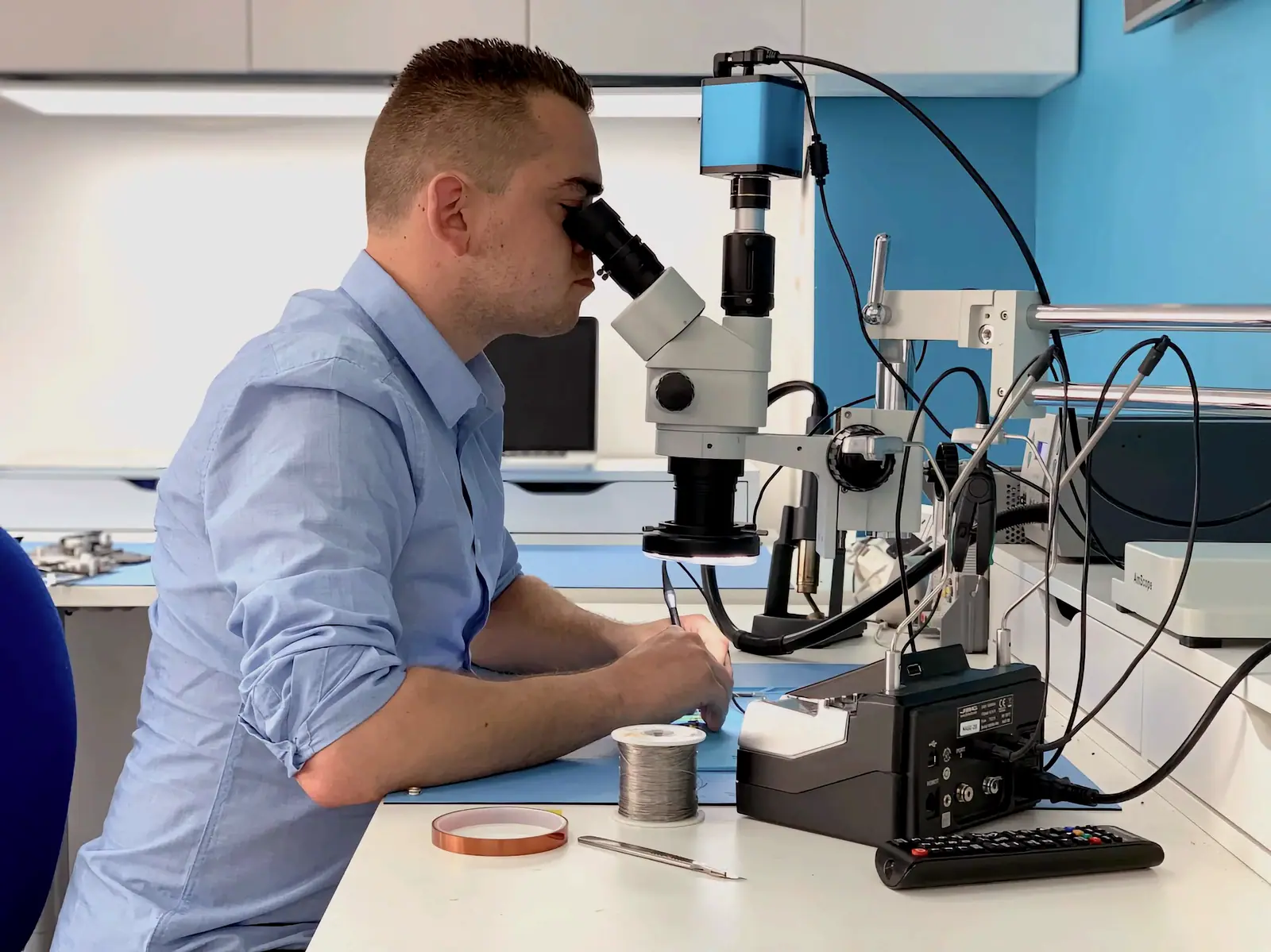
Data recovered after rebuilding a flash drive’s USB connection
The connection was rebuilt, access was restored and the customer’s data was copied successfully to replacement flash storage.
Sometimes the correct answer is that no laboratory can help.
We publish provider routes, encryption limits and irreversible cases alongside recoverable failures. A device should not be posted to us when the only useful next step is inside an account, a backup or an authorised key store.
Read the recovery limits guide