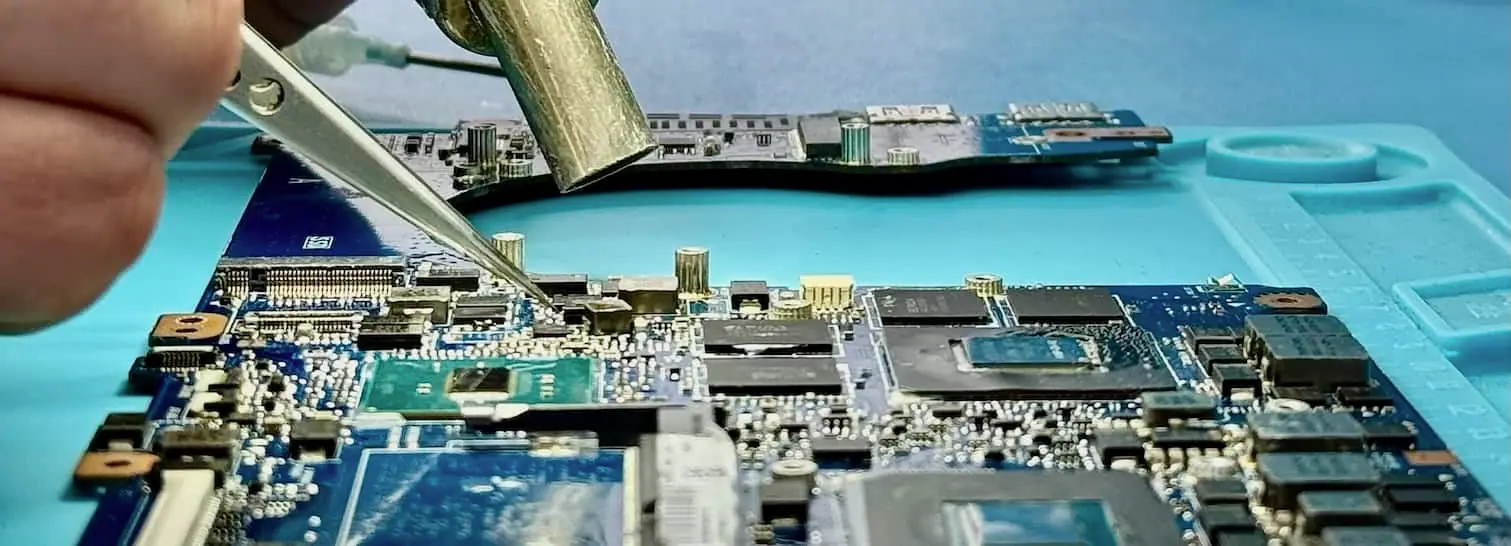
271 GB recovered from a 2013 MacBook Air
A new external disk was obtained for the return copy and 271 GB of recovered MacBook data was written to usable media.
- data recovered
- 271 GB
- recorded turnaround
- ≈ 2 weeks
Apple Mac data recovery at Datraction costs from £150 for logical faults on the internal drive, rising to £300–850+ where the storage chip or logic board has failed physically. Standard turnaround is 5–10 working days, or 24 hours on the emergency tier. Standard diagnostics are free, and no recovery fee is due if we cannot recover useful data.
Start a free diagnosis A removable SSD in an older MacBook is a different case from storage soldered to a T2 or Apple silicon logic board.
The Mac does not boot, but its HDD or SSD can be accessed separately.
Storage and encryption depend on the original logic board.
The device starts, but the container, volume or credentials fail.
The route is shaped by whether storage is removable, soldered, encrypted by the T2 chip or integrated into Apple silicon.
A replacement logic board can restore a Mac while permanently separating it from the original encrypted data.
Diagnosis is useful when it narrows the route and the limits. We state both before you approve recovery work.
The device around the storage can be part of the recovery path, particularly where storage is soldered or encrypted.
On a Mac with soldered storage, a machine that will not boot can have a logic-board fault rather than failed flash memory. Diagnosis therefore starts with the original board, its power rails and the storage path. On encrypted T2 and Apple silicon models, removing the storage chips does not produce independently readable files because the required keys remain tied to the original system.
Apple silicon and T2-equipped Macs protect storage with hardware-bound encryption. A successful recovery normally depends on making the original logic board and its security hardware function well enough to unlock and read the volume with an authorised credential. If the key-bearing hardware has been destroyed, or the valid FileVault credential is unavailable, a physical copy of the storage does not become usable data on another Mac.
Real cases show the fault, the decisions made and where the result stopped. They are evidence, not a promise that every device behaves the same way.
A new external disk was obtained for the return copy and 271 GB of recovered MacBook data was written to usable media.
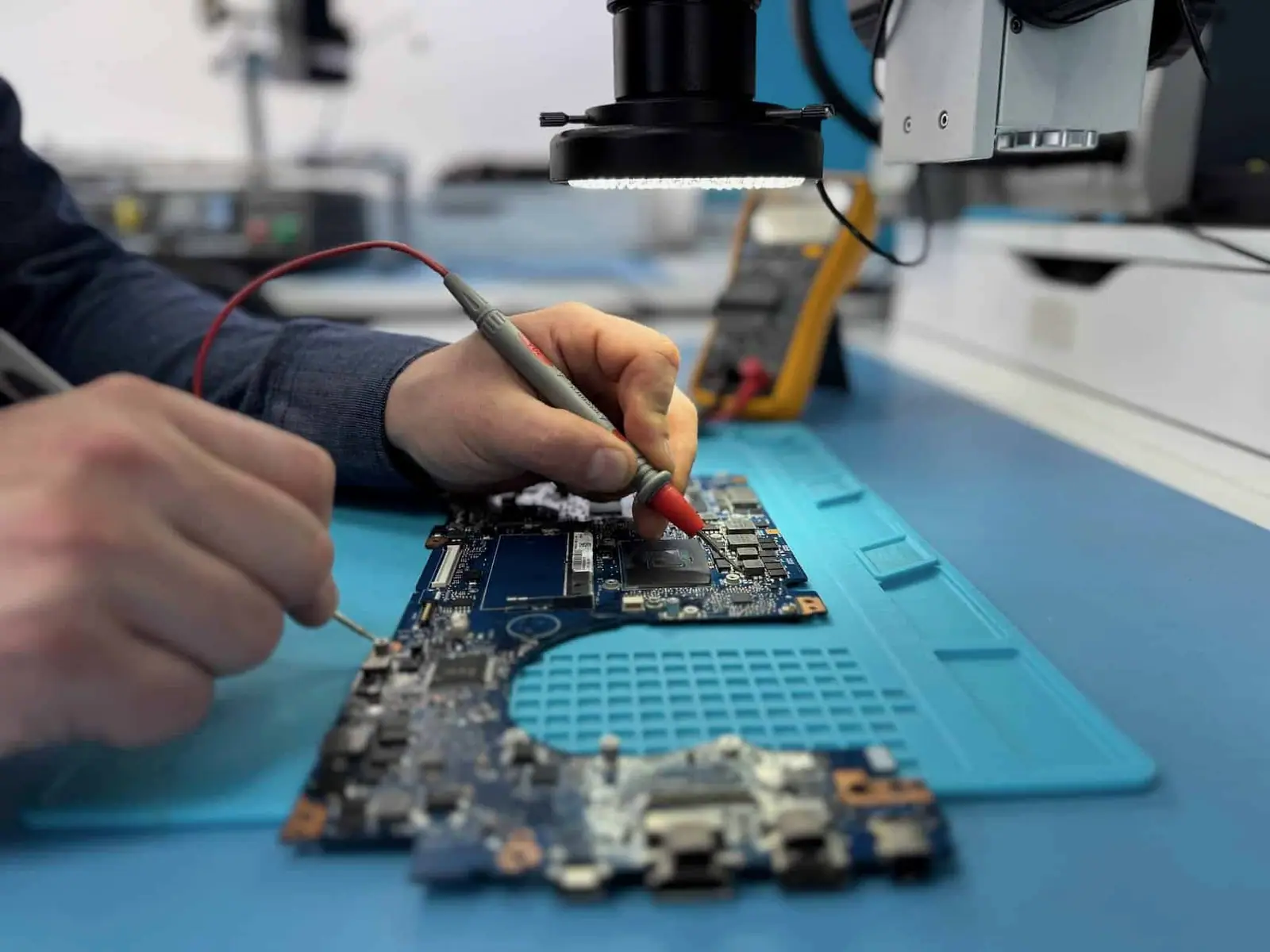
Customer identities and ticket references have been removed. Images show Datraction laboratory methods and are not presented as photographs of the archived customer device.
From first description to returned files, each stage has a clear decision and an agreed commercial limit.
View the complete recovery processYour enquiry
Describe the device, the failure and the files you need. We give you an initial price range before it is sent or dropped off.
Price range before arrival
Lab diagnosis
An engineer identifies the fault, assesses complete and useful partial recovery, then prepares a written price or agreed range.
Fault, prospects and commercial limit confirmed
Your decision
We explain the proposed work and timing. Recovery starts only after you have accepted the quote.
No work starts without consent
Secure return
Recovered data is copied to suitable return media and sent back with your original device.
No recovered data, no recovery fee
Recovery priority
The engineering process and level of care stay the same. A faster service moves your case forward in the lab queue.
Turnaround starts when the device reaches our laboratory.
5–10 working days
Targets recovery and return within 5–10 working days of the device reaching our lab, subject to diagnosis, parts and media condition.
3–5 working days
Prioritises the case and targets 3–5 working days from arrival, subject to diagnosis, parts, media condition and data volume.
24 hours
Gives the case highest queue priority and targets 24 hours from arrival when the fault, parts, media condition and data volume allow it.
Express service prioritises the case and targets 3–5 working days from arrival, adding 40% to the quoted recovery price. Emergency gives the case highest queue priority, targets 24 hours and adds 70%. Both remain subject to diagnosis, parts and media condition, and the tier is confirmed in the written price before recovery begins.
A forgotten login password may have an authorised reset route, but FileVault-protected storage still needs a valid user password, recovery key or configured institutional recovery route. Repairing the Mac does not bypass its encryption. Tell us whether FileVault was enabled and locate the recovery details before approving recovery work.
Age alone does not decide recoverability, but it changes the storage design, interfaces and likely condition. Older Macs may use a removable hard drive or SSD, while newer models can have soldered, hardware-encrypted storage. We identify the exact model and failure before recommending a recovery route.
No. Severe storage damage, overwritten data or the loss of encryption keys tied to a failed T2 or Apple silicon system can prevent recovery. We assess the storage, encryption state and previous repair history before explaining what remains technically possible for that Mac.
Standard diagnostics are free, so you find out what is wrong before approving recovery. A Mac whose storage is readable starts at £150; drive or logic-board recovery usually runs from £300 to £850+, with unusual cases quoted individually. Express service adds 40% and Emergency adds 70%. If we cannot recover useful data, there is no recovery fee.
Describe the device, the symptom, what has already been tried and which files matter most. We will tell you the safest next step.
Prefer to speak to someone? 020 3903 9920
Already asked to send the device? Follow the packing and delivery checklist.