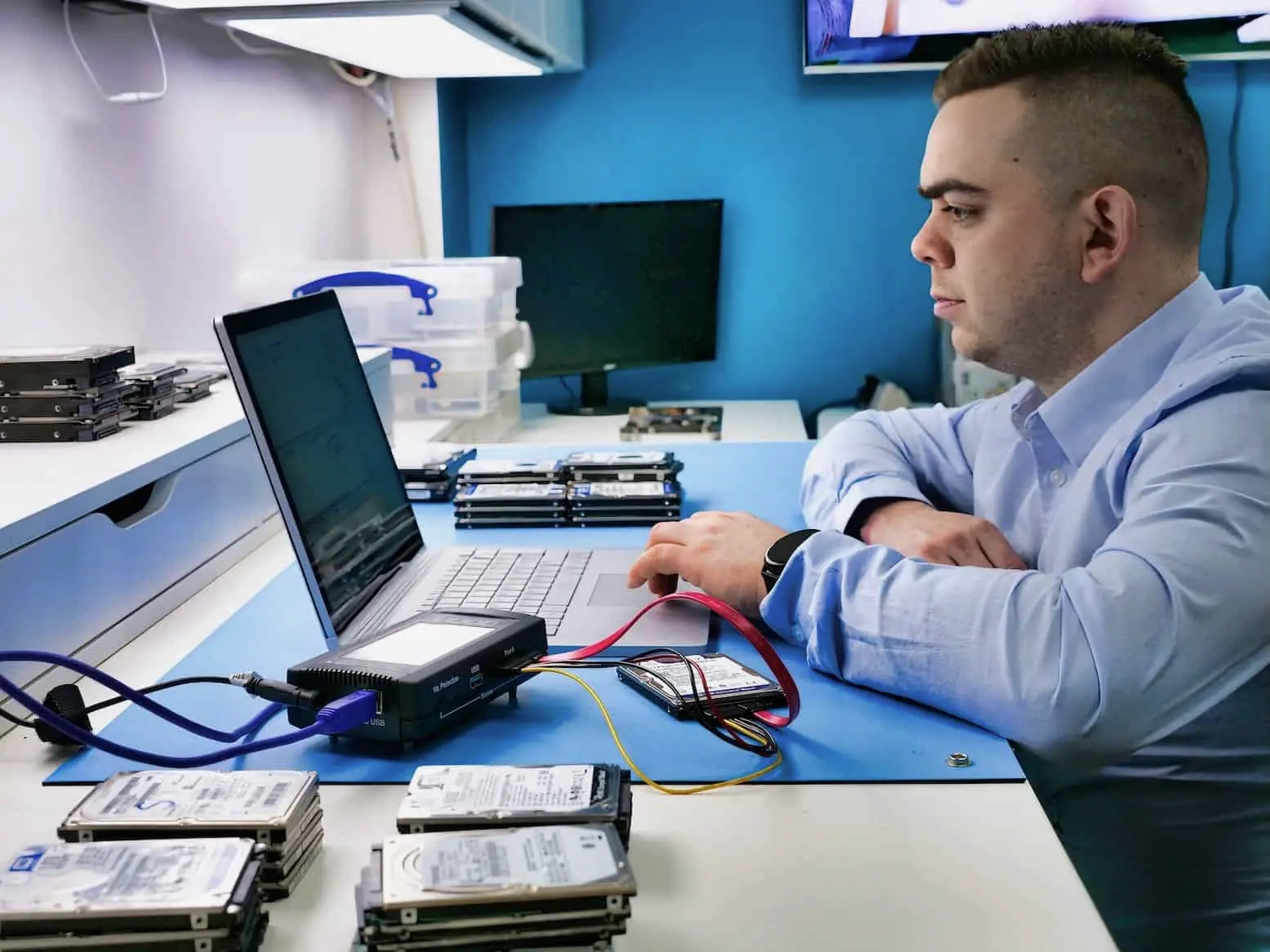
90.4 GB recovered from a BitLocker-protected Surface Pro 4
With the correct BitLocker key available, 90.4 GB was copied successfully and the completed job record counted 60,504 recovered files.
- data recovered
- 90.4 GB
- files copied
- 60,504
Laptop data recovery at Datraction costs from £150 for logical faults on the internal drive, rising to £300–850+ where the drive itself, or a soldered storage chip, has failed physically. Standard turnaround is 5–10 working days, or 24 hours on the emergency tier. Standard diagnostics are free, and no recovery fee is due if we cannot recover useful data.
Start a free diagnosis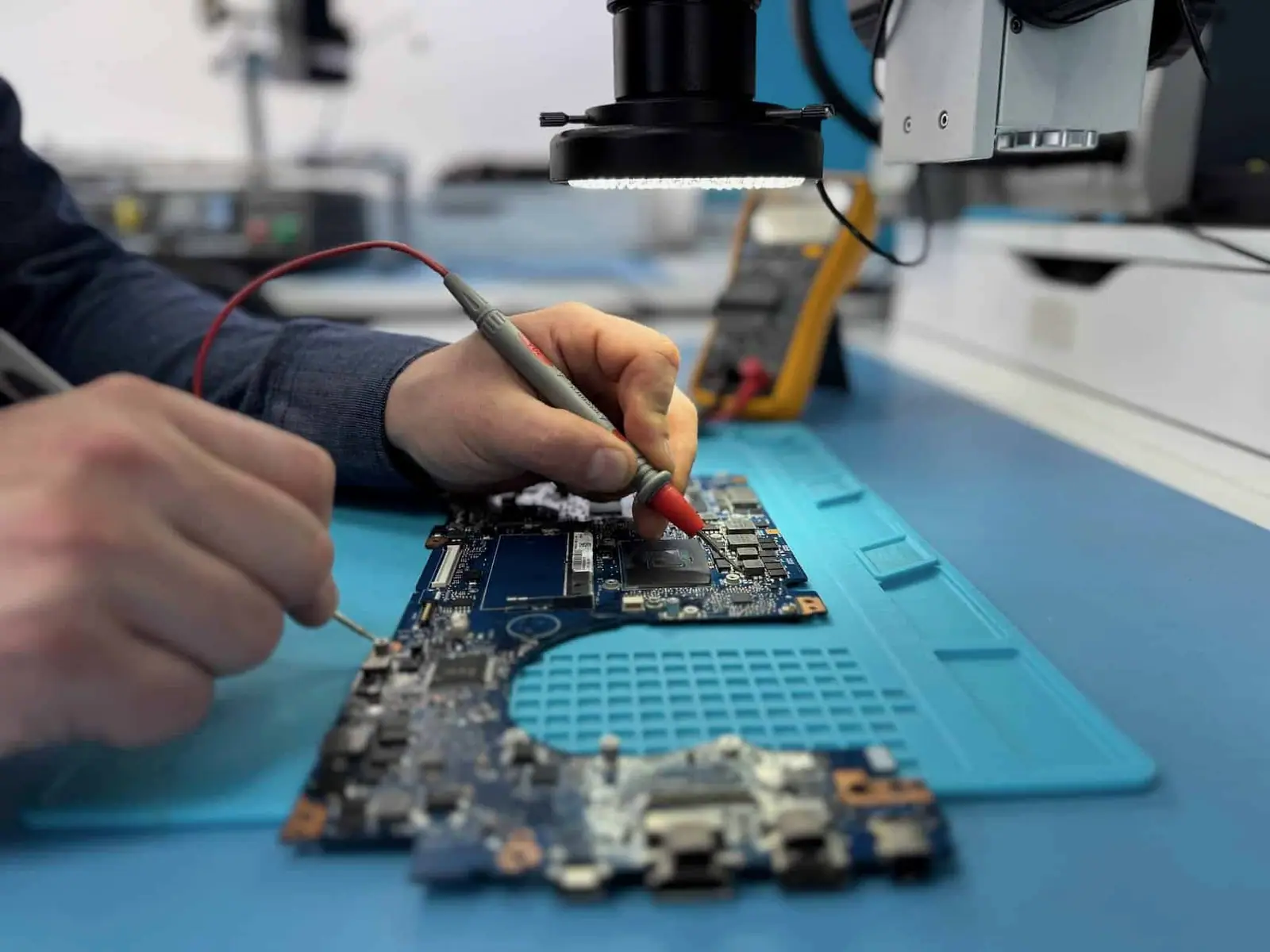
A laptop that will not start may have a board, power, display, file-system or storage fault. We separate the layers before removing or stressing anything.
The laptop is dead, hot, corroded or stopped after a spill.
It shows repair screens, errors or remains on a loading screen.
The laptop stalls, disconnects or makes mechanical drive noises.
Some machines have a removable HDD or SSD. Others use soldered storage or encryption tied to the original board.
Removing storage is not automatically the safest first step.
Diagnosis is useful when it narrows the route and the limits. We state both before you approve recovery work.
The device around the storage can be part of the recovery path, particularly where storage is soldered or encrypted.
A laptop that will not turn on is not automatically a storage failure; the fault could sit in the power circuit, display or motherboard. Where the drive is removable, it can be assessed separately. Where storage is soldered and encrypted, diagnosis stays focused on the original board because its controller, processor and security hardware may all be needed to make the data readable.
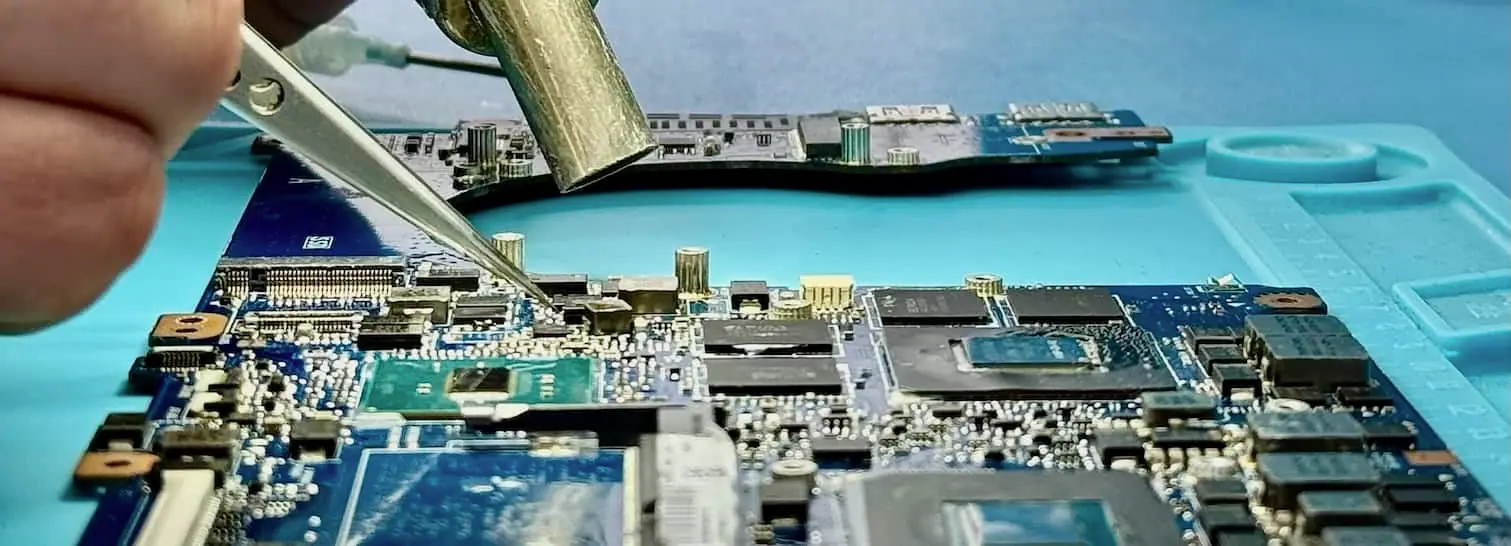
Where storage is soldered directly to the motherboard, the correct route depends on its controller and encryption design. Board-level repair is often the safest first option because it preserves the original data path and keys. Direct flash access is only useful on supported, non-encrypted designs where the controller's mapping can be reconstructed; it is not a universal way around a dead laptop or a missing encryption key.
Real cases show the fault, the decisions made and where the result stopped. They are evidence, not a promise that every device behaves the same way.
With the correct BitLocker key available, 90.4 GB was copied successfully and the completed job record counted 60,504 recovered files.
A new external disk was obtained for the return copy and 271 GB of recovered MacBook data was written to usable media.
Customer identities and ticket references have been removed. Images show Datraction laboratory methods and are not presented as photographs of the archived customer device.
From first description to returned files, each stage has a clear decision and an agreed maximum price.
View the complete recovery processYour enquiry
Describe the device, the failure and the files you need. We give you an initial price range before it is sent or dropped off.
Price range before arrival
Lab diagnosis
An engineer finds the fault and how much of your data can be recovered, then prepares a written price or agreed range, normally within 1–3 working days.
Fault, chances and maximum price confirmed
Your decision
We explain the proposed work and timing. Recovery starts only after you have accepted the quote.
No work starts without consent
Secure return
Recovered data is copied to suitable return media and sent back with your original device.
No recovered data, no recovery fee
Recovery priority
The engineering process and level of care stay the same. A faster service moves your case forward in the lab queue.
Turnaround starts when the device reaches our laboratory.
5–10 working days
Targets recovery and return within 5–10 working days of the device reaching our lab, subject to diagnosis, parts and media condition.
3–5 working days
Prioritises the case and targets 3–5 working days from arrival, subject to diagnosis, parts, media condition and data volume.
24 hours
Gives the case highest queue priority and targets 24 hours from arrival when the fault, parts, media condition and data volume allow it.
A Windows login problem is different from full-disk encryption. If BitLocker or another encryption system protects the storage, recovery still requires the correct recovery key or password. We can repair or image faulty hardware, but proof of ownership does not create a technical bypass for properly encrypted data.
Standard service targets recovery and return within 5–10 working days of the laptop reaching the lab. Express targets 3–5 working days and adds 40% to the quoted recovery price; Emergency targets 24 hours and adds 70%. The tier and any surcharge are confirmed in the written price before recovery work begins.
Possibly. Age alone does not determine the result, although old interfaces, worn media and unavailable donor parts can make a case slower. We identify the storage type and condition before deciding whether direct imaging, drive repair or work on the original laptop is appropriate.
No. The result depends on the storage device, the fault, encryption and whether data has been overwritten. We diagnose those factors before quoting and explain whether a complete or useful partial recovery appears possible.
Standard diagnostics are free, so you find out what is wrong before approving recovery. Logical faults start at £150; drive or board-level recovery usually runs from £300 to £850+, with unusual cases quoted individually. Express service adds 40% and Emergency adds 70%. If we cannot recover useful data, there is no recovery fee.
Describe the device, the symptom, what has already been tried and which files matter most. We will tell you the safest next step.
Prefer to speak to someone? 020 3903 9920
Already asked to send the device? Follow the packing and delivery checklist.