What the customer was seeing
The external hard drive did not stay connected reliably. A copy might begin, then stop when the device dropped out. That symptom can tempt a user to reconnect the cable and start again, but every restart asks the unstable source to repeat work it has already struggled to complete.
Why an ordinary copy was not enough
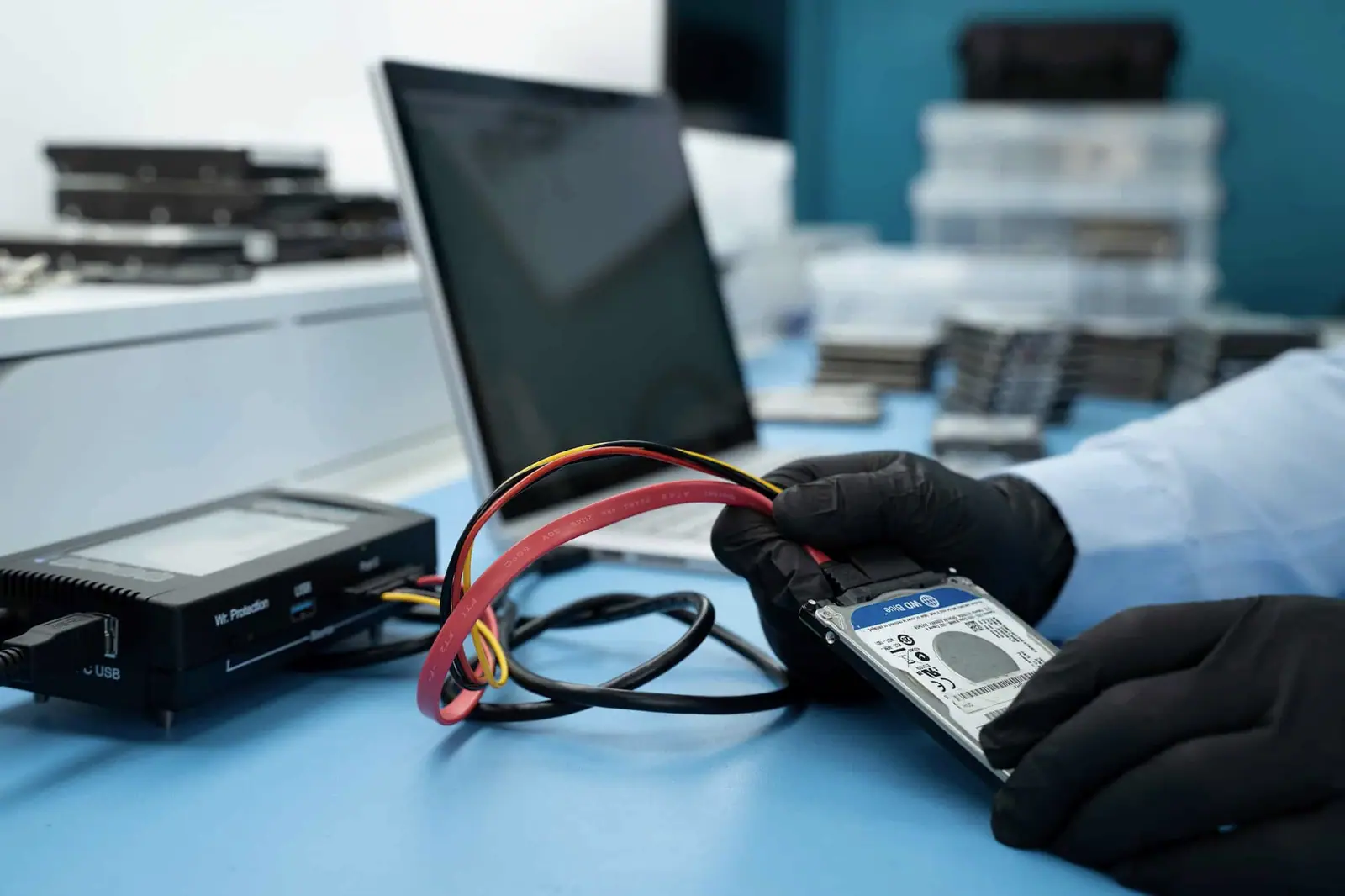
File Explorer and Finder expect storage to respond normally. They are designed to copy files from a working source, not to manage a device that disappears during reads. The case therefore moved to PC-3000 so the source could be handled as a recovery job rather than as a temperamental peripheral.
The recovery path
The objective was to acquire readable data while controlling interruptions from the source. The recovered set was then copied to a separate 1 TB external disk for return to the customer.
The job took approximately two weeks. The historical charge was £350, including the completed recovery recorded for this case. Current pricing depends on the failure found during diagnosis and on whether return media is required.
The result
The data was copied successfully. The useful distinction is that the failing disk was treated as evidence, while the 1 TB destination became the safe working copy supplied to the customer.
What this case teaches
If an external drive repeatedly connects and disconnects, stop using it for ordinary transfers. Do not run repair utilities against the only copy. Record the symptoms, include the original power supply or cable when relevant and let the diagnosis determine whether the fault sits in the enclosure, electronics or disk mechanism.