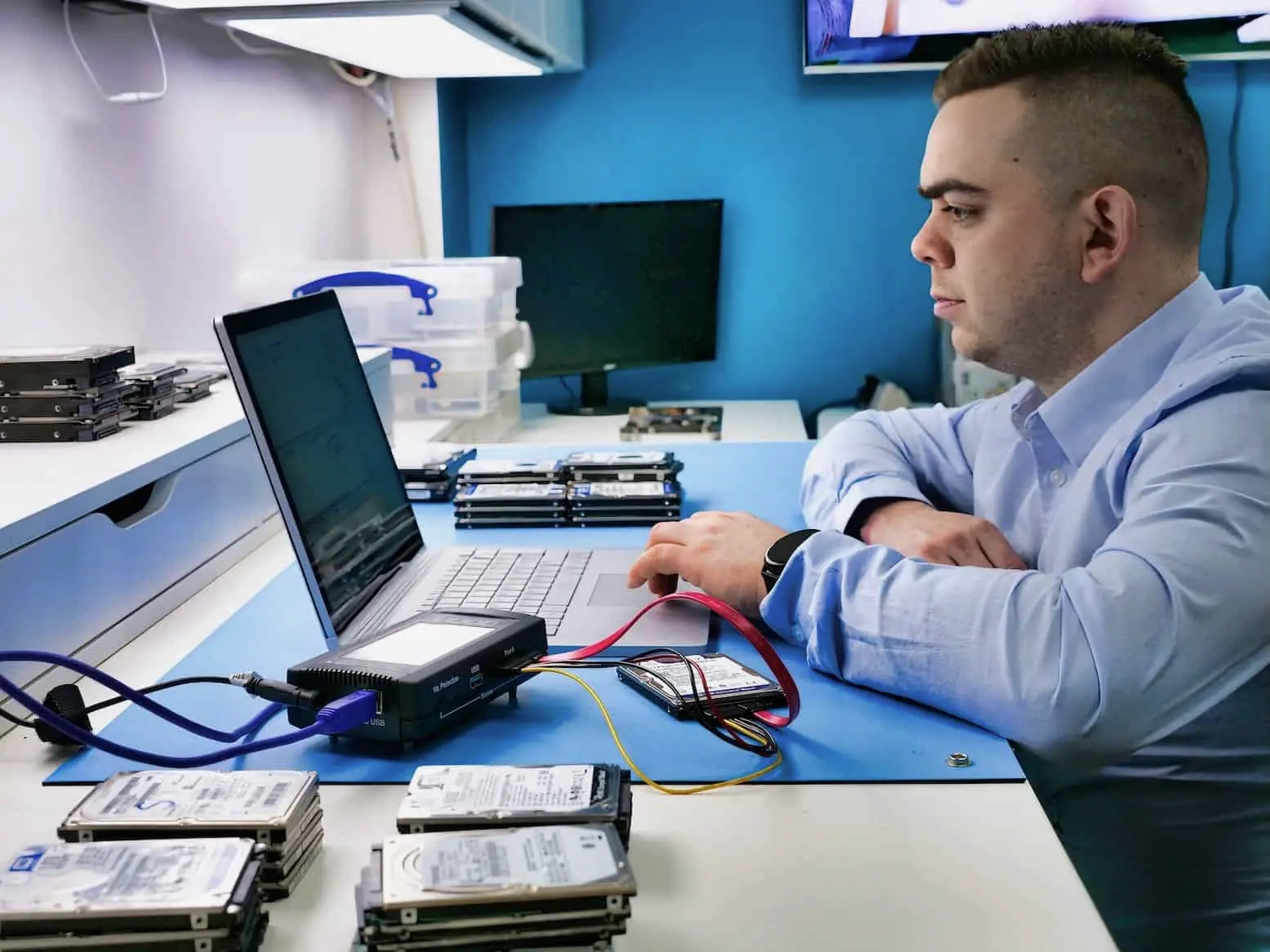
90.4 GB recovered from a BitLocker-protected Surface Pro 4
With the correct BitLocker key available, 90.4 GB was copied successfully and the completed job record counted 60,504 recovered files.
- data recovered
- 90.4 GB
- files copied
- 60,504
SSD recovery at Datraction starts from £250 for logical faults and typically ranges from £450–1200+ for controller, firmware or NAND-related work. A dead controller is not routinely replaced: recovery depends on the exact controller, translation data, NAND condition, TRIM and encryption. Standard diagnostics are free before you decide.
Start a free diagnosis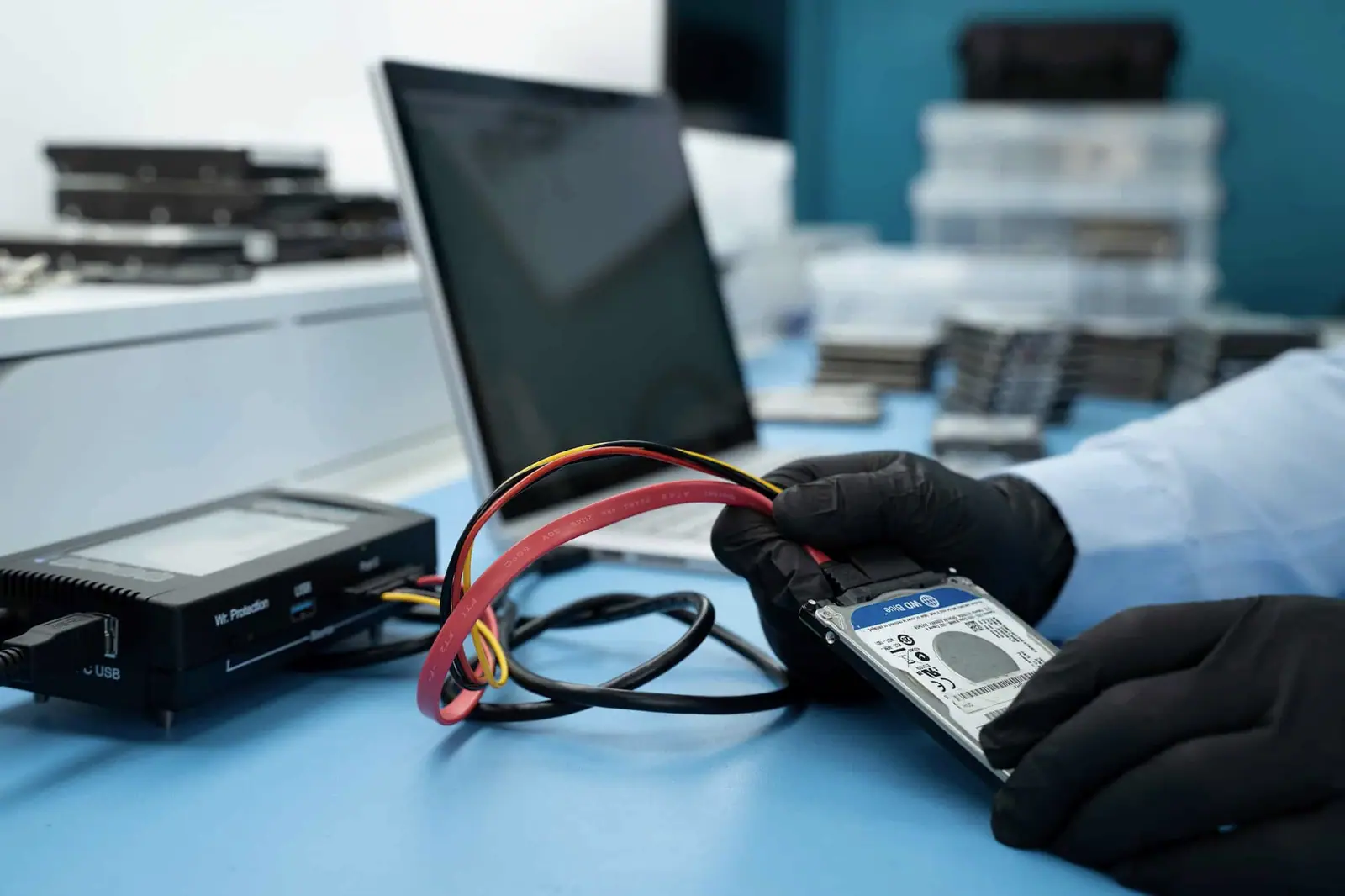
The same “not detected” symptom can come from power, firmware, controller, NAND or translation failure. The exact controller family matters.
The BIOS, Disk Utility or operating system no longer sees the SSD.
The SSD appears but stalls, disconnects or returns read errors.
The SSD works, but the required files or volume are gone.
Sectors may be readable but the authorised recovery credential is unavailable.
The computer does not read NAND directly. A controller uses firmware, error correction and a translation map while TRIM and encryption can independently limit the result.
Reading NAND packages produces raw pages, not automatically usable files.
Diagnosis is useful when it narrows the route and the limits. We state both before you approve recovery work.
Flash storage hides its internal organisation. Controller behaviour, translation and the state of the memory decide what can be acquired.
An HDD exposes sectors recorded in a mostly fixed physical order. An SSD sits behind a controller that constantly changes where logical addresses live. It spreads writes across NAND, retires weak blocks, applies error correction and maintains translation tables that connect the computer's addresses to physical pages.
This is why two apparently identical SSDs can require different recovery routes. The controller revision, firmware, NAND generation, board layout, encryption and failure history can matter as much as the model printed on the label.
We start by recording the exact SSD, interface and symptoms, then assess whether normal reads are stable. Depending on the family and fault, the route may involve:
The objective is a stable image of the best readable data, not a repaired SSD returned to everyday use. A recovered source should not be trusted as the customer's continuing storage device.
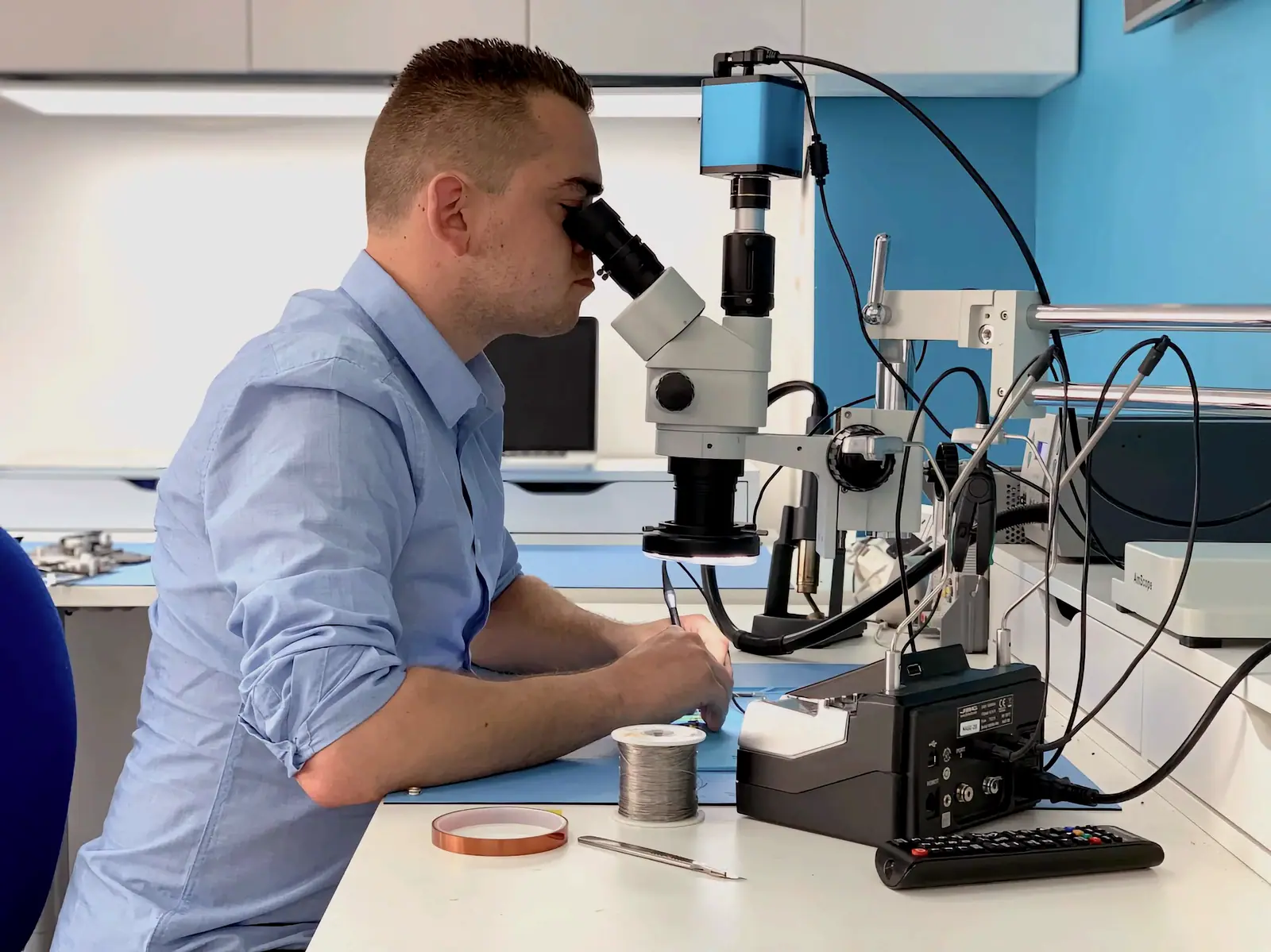
The controller does more than pass bytes between the NAND and the computer. It can hold or derive firmware data, translation information, error-correction rules, adaptives and encryption material tied to the original media.
Replacing the controller with a visually matching chip may therefore leave the NAND unreadable or produce meaningless raw data. Where a supported technological route exists, it is generally more valuable to make the original controller and its metadata expose the data long enough for imaging. Board repair is considered only when it serves that acquisition goal.
When an operating system deletes files or formats a volume, it may send TRIM for the affected logical ranges. The SSD can then mark those pages invalid and erase them later through garbage collection. That work can continue while the drive has power, even if no file-recovery program is running.
This makes repeated tests actively unhelpful. Do not reconnect an SSD after accidental deletion simply to see whether another program finds more. Prompt power-off does not guarantee recovery, but it prevents avoidable powered time and new writes while the case is assessed. Our guide to deleted files, TRIM and SSD recovery explains the sequence in more detail.
BitLocker and FileVault encrypt the volume seen by the operating system. Many SSDs also transform or encrypt data internally as part of their controller architecture. Hardware recovery may reconstruct readable encrypted sectors, but the valid volume key or recovery credential is still needed to turn those sectors into customer files.
For BitLocker, locate the 48-digit recovery password or authorised key record from the relevant Microsoft account, Entra ID or Active Directory before approving work. Our BitLocker recovery-key guide shows the legitimate places to check. Never send that credential through the enquiry form; we request it through the appropriate case channel only when it is technically required.
A precise diagnosis can still end with an honest “no”. Common hard limits include:
Before work begins, tell us which folders, projects or file types matter most. If a complete image is not possible, that priority can guide a useful partial recovery and the decision about whether further engineering time is justified.
Real cases show the fault, the decisions made and where the result stopped. They are evidence, not a promise that every device behaves the same way.
With the correct BitLocker key available, 90.4 GB was copied successfully and the completed job record counted 60,504 recovered files.
Examination with PC-3000 did not find recoverable data on the SSD, so the device route ended without a usable recovery.
Customer identities and ticket references have been removed. Images show Datraction laboratory methods and are not presented as photographs of the archived customer device.
From first description to returned files, each stage has a clear decision and an agreed commercial limit.
View the complete recovery processYour enquiry
Describe the device, the failure and the files you need. We give you an initial price range before it is sent or dropped off.
Price range before arrival
Lab diagnosis
An engineer identifies the fault, assesses complete and useful partial recovery, then prepares a written price or agreed range.
Fault, prospects and commercial limit confirmed
Your decision
We explain the proposed work and timing. Recovery starts only after you have accepted the quote.
No work starts without consent
Secure return
Recovered data is copied to suitable return media and sent back with your original device.
No recovered data, no recovery fee
Recovery priority
The engineering process and level of care stay the same. A faster service moves your case forward in the lab queue.
Turnaround starts when the device reaches our laboratory.
5–10 working days
Targets recovery and return within 5–10 working days of the device reaching our lab, subject to diagnosis, parts and media condition.
3–5 working days
Prioritises the case and targets 3–5 working days from arrival, subject to diagnosis, parts, media condition and data volume.
24 hours
Gives the case highest queue priority and targets 24 hours from arrival when the fault, parts, media condition and data volume allow it.
Shut the computer down and disconnect the SSD from power if that can be done safely without dismantling a device you are not qualified to open. Do not initialise it, run CHKDSK, reinstall the operating system or perform repeated scans. Powered time and new writes can reduce the remaining options, particularly after deletion or formatting.
Express work targets 3–5 working days and the Emergency tier targets 24 hours from arrival, subject to diagnosis, controller support, parts, NAND condition and data volume. We confirm whether the requested target is realistic after identifying the SSD and failure mode; the priority tier is not a guarantee that an unsupported case becomes recoverable.
Physical work may restore access to encrypted sectors, but it does not remove the encryption. BitLocker normally requires the correct recovery password or key, and self-encrypting SSDs can depend on controller-held security material. Proof of ownership authorises the work; it does not create a technical bypass for missing credentials.
No. Reading NAND packages produces raw pages, not automatically files. Wear levelling, error correction, interleaving, translation and controller-managed encryption may need to be reconstructed, and many modern SSDs do not have a viable chip-off route. We identify the controller and NAND combination before proposing that kind of work.
Sometimes a supported controller and prompt power-off leave a narrow route, but there is no general TRIM bypass. Once the relevant NAND pages have been erased by garbage collection, neither software nor direct chip reading can recreate their previous contents. Diagnosis distinguishes remaining evidence from address ranges that now return no useful data.
No. Recovery may be prevented by erased NAND, severe cell degradation, an unsupported controller family, damaged translation data, controller-bound encryption, missing BitLocker or FileVault credentials, or previous repair and write activity. We state whether complete or useful partial recovery remains realistic after examining the individual SSD instead of publishing a broad percentage.
Standard diagnostics are free. Logical work starts at £250; controller, firmware, board or NAND-related cases typically range from £450 to £1200+, with unusual architectures quoted individually. Express service adds 40% and Emergency adds 70%. We provide a written price or agreed range before recovery starts, and no recovery fee is due if no useful data is recovered.
Describe the device, the symptom, what has already been tried and which files matter most. We will tell you the safest next step.
Prefer to speak to someone? 020 3903 9920
Already asked to send the device? Follow the packing and delivery checklist.