Skip to content

External Drive Data Recovery

External hard drive recovery at Datraction costs from £150 for logical faults, rising to £450–850+ where the drive mechanism inside the enclosure has failed physically. Standard turnaround is 5–10 working days, or 24 hours on the emergency tier. Standard diagnostics are free, and no recovery fee is due if we cannot recover useful data.

Start a free diagnosis
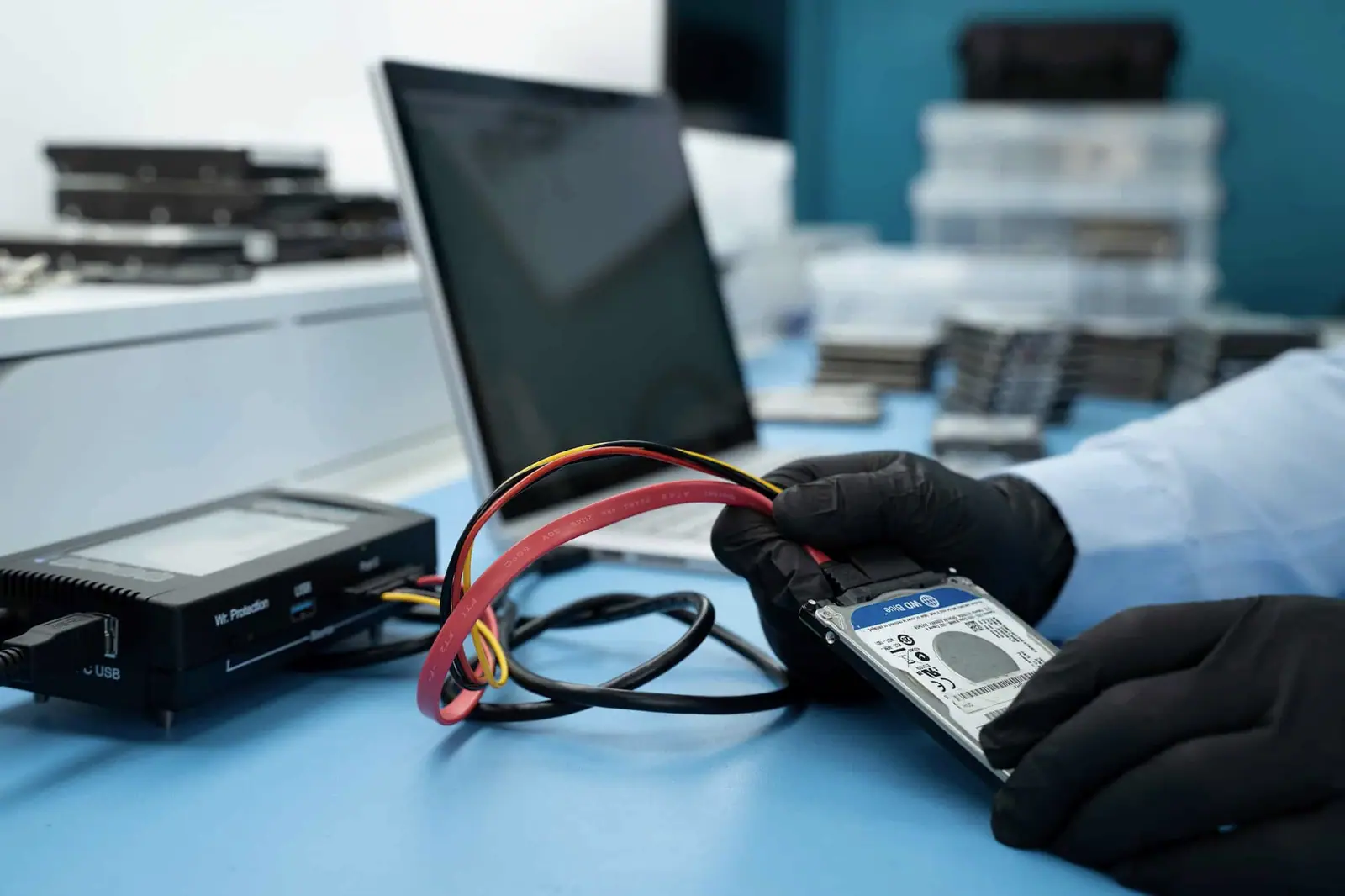
A portable external drive removed from its enclosure and connected directly for diagnosis beside its USB bridge boards
  • Freestandard diagnosis
  • No useful datano recovery fee
  • Londonin-house laboratory
  • 24 hoursEmergency target

Is the fault in the enclosure or the drive?

An external drive combines a cable, power supply or USB bridge with the storage device inside. Testing must separate those layers without stressing the disk.

  1. No light or no USB connection

    The enclosure is silent or never appears on the computer.

    Do this now
    Disconnect it and keep the original cable and power supply.
    Likely lab route
    Cable, supply, bridge board and internal drive are tested as separate layers.
  2. Clicking after a drop

    The unit spins, clicks, beeps or repeatedly restarts.

    Do this now
    Leave it powered off and do not remove the internal drive yourself.
    Likely lab route
    The internal mechanism is assessed for heads, motor and surface damage.
  3. Disconnecting or very slow copying

    Folders appear but copying stalls or the drive vanishes.

    Do this now
    Stop file-by-file copying and avoid repair utilities.
    Likely lab route
    The drive is connected through an appropriate direct route and imaged by stability.

An external drive has two fault domains

The enclosure provides power and USB translation. The drive inside still has its own electronics, firmware and recording surface.

  1. Cable or supply
  2. USB bridge
  3. Drive electronics
  4. Media
  5. Sector image

Bypassing a faulty enclosure is useful only when the internal drive itself is stable.

What direct diagnosis reveals

Diagnosis is useful when it narrows the route and the limits. We state both before you approve recovery work.

What may be possible

  • Safe enclosure bypass where only the bridge or power path has failed.
  • Controlled imaging of an unstable internal drive.
  • Mechanical or firmware recovery based on the actual drive inside.

What can stop recovery

  • Drop damage can progress from head failure to platter scoring.
  • Some USB-native drives keep essential adaptives or encryption on the original board.
  • Repeated power and previous repair attempts can reduce the remaining options.

How the drive is assessed

The symptom is only the starting point. These are the physical and logical dependencies that shape the recovery route.

  1. The drive inside is usually an ordinary hard drive

    Many portable external drives contain a 2.5-inch or 3.5-inch mechanism and a bridge that translates its internal interface to USB; others integrate USB directly on the drive electronics. A device rejected by every computer can therefore have an enclosure, bridge, PCB, firmware or internal mechanical fault. The symptom alone does not identify which layer failed.

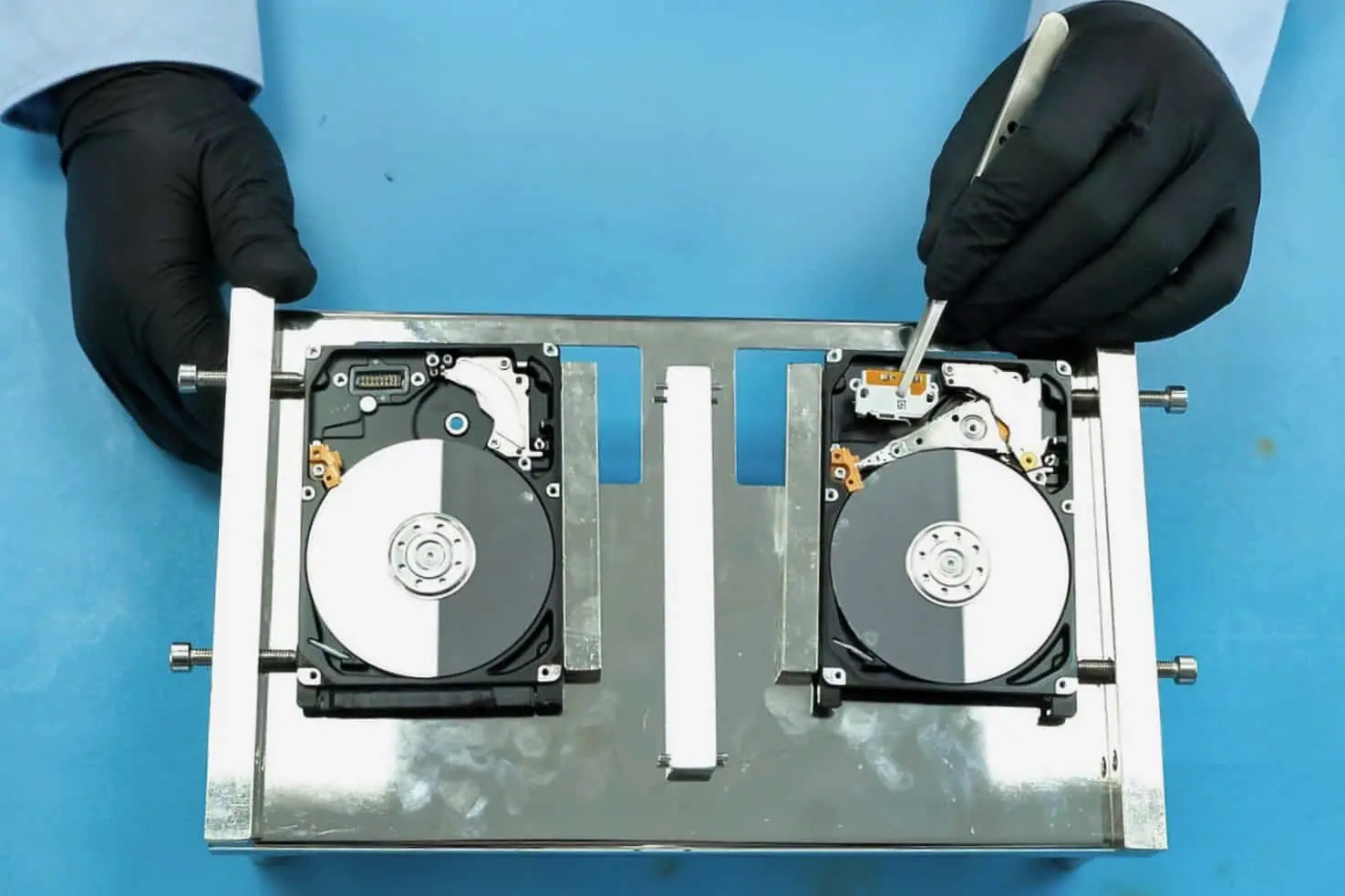
    Close detail of an opened hard drive showing the platter surface and read/write head
    Platter surface and head, magnified
  2. Why we remove the drive before testing it

    Testing a drive through a failing bridge board can produce misleading results, so the enclosure and internal interface are assessed separately. Some models can be connected natively; others rely on the original bridge for sector translation or hardware encryption and must be repaired or matched carefully. A drive with signs of a head crash or internal mechanical damage is not repeatedly powered and is assessed for cleanroom work.

    A gloved hand holding a hard drive's circuit board beside the opened drive it came from
    Circuit board evaluation · pre-amp and ROM checks

Cases from the bench

Real cases show the fault, the decisions made and where the result stopped. They are evidence, not a promise that every device behaves the same way.

View all case files

Customer identities and ticket references have been removed. Images show Datraction laboratory methods and are not presented as photographs of the archived customer device.

What happens to your external drive

From first description to returned files, each stage has a clear decision and an agreed commercial limit.

View the complete recovery process
  1. Your enquiry

    Tell us what happened

    Describe the device, the failure and the files you need. We give you an initial price range before it is sent or dropped off.

    Price range before arrival

  2. Lab diagnosis

    We inspect it — free

    An engineer identifies the fault, assesses complete and useful partial recovery, then prepares a written price or agreed range.

    Fault, prospects and commercial limit confirmed

  3. Your decision

    You approve the recovery

    We explain the proposed work and timing. Recovery starts only after you have accepted the quote.

    No work starts without consent

  4. Secure return

    Your files come back

    Recovered data is copied to suitable return media and sent back with your original device.

    No recovered data, no recovery fee

Recovery priority

How fast do you need your data back?

The engineering process and level of care stay the same. A faster service moves your case forward in the lab queue.

Turnaround starts when the device reaches our laboratory.

  1. 01

    Standard

    5–10 working days

    Targets recovery and return within 5–10 working days of the device reaching our lab, subject to diagnosis, parts and media condition.

    Recovery price Included
  2. 02

    Express

    3–5 working days

    Prioritises the case and targets 3–5 working days from arrival, subject to diagnosis, parts, media condition and data volume.

    Priority surcharge +40%
  3. 03

    Emergency

    24 hours

    Gives the case highest queue priority and targets 24 hours from arrival when the fault, parts, media condition and data volume allow it.

    Priority surcharge +70%

Questions about external drive

01 What if my external drive is password protected?

If the enclosure or volume uses encryption, recovery still requires the correct password or key. Some external drives also depend on their original USB bridge board for hardware translation or encryption. We can repair or image faulty hardware, but proof of ownership does not create a bypass for encrypted data.

02 I need my data urgently. Can you help?

Yes. Express recovery targets 3–5 working days and adds 40% to the quoted recovery price. Emergency recovery targets 24 hours and adds 70%. Timing begins when the device reaches the lab, and donor parts or severe physical damage can still affect what is realistically achievable.

03 Can data from older external drives be salvaged?

Possibly. Older external drives may use well-understood mechanisms, but wear, corrosion, unavailable donor parts and previous repair attempts can complicate the work. We inspect the internal drive, bridge board and encryption state before estimating whether complete or partial recovery is realistic.

04 Is all external hard disk data retrievable?

No. External drives can suffer damaged heads, scratched platters, failed electronics, encryption faults or overwritten data. Diagnosis tells us which of those applies and whether a complete or useful partial recovery remains possible.

05 What does external drive recovery cost?

Standard diagnostics are free, so you find out what is wrong before approving recovery. Logical faults start at £150; physical failures needing cleanroom or component-level work usually run from £450 to £850+, with unusual cases quoted individually. Express service adds 40% and Emergency adds 70%. If we cannot recover useful data, there is no recovery fee.

Tell us what happened

Describe the device, the symptom, what has already been tried and which files matter most. We will tell you the safest next step.

Prefer to speak to someone? 020 8543 7088

Already asked to send the device? Follow the packing and delivery checklist.

Standard diagnosis is free. We normally reply within one working day.

Do not enter a device passcode, password or recovery key in this form.

  1. 1 Device
  2. 2 Problem
  3. 3 Speed
  4. 4 Contact
What do you want to recover data from?