Two jobs, in the correct order
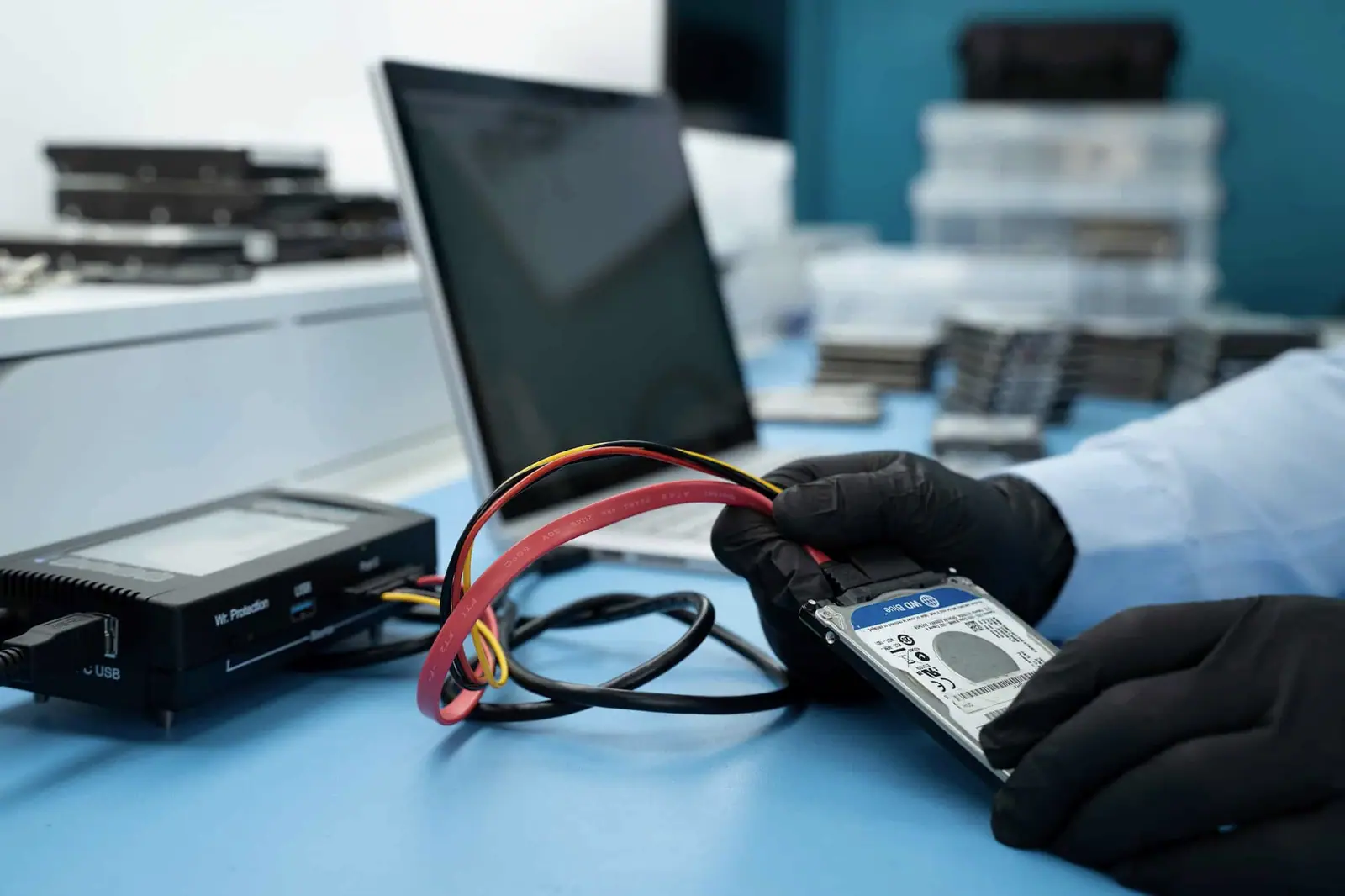
The HP all-in-one had a failed hard drive. The customer needed both the files and a usable computer, but those are separate outcomes. Installing Windows on new storage can return a machine to service; it does not recover what was held on the failed disk.
The recovery therefore came first. Only after the source had been handled and the data copied did the computer move to the rebuild stage.
The recovery path
The completed recovery contained 111 GB and 140,658 files. Recording both figures provided a more useful description of the result than a generic “data recovered” note.
After the copy had been produced, the computer received a new SSD and a Windows installation. The full instruction took approximately two weeks.
The price in context
The archived total was £520. That figure covered the combined recovery and computer rebuild recorded for this case, not just a single recovery procedure. Publishing the distinction prevents an old repair bundle from being mistaken for today’s fixed price for every HP computer.
The result
The customer’s data was recovered successfully, and the all-in-one was returned to working use with replacement storage. The recovery copy existed independently of the newly installed Windows system.
What this case teaches
When a computer’s drive fails, decide whether the priority is the files, the machine or both. Do not reinstall Windows onto the original disk before the data has been assessed. A replacement SSD may solve the computer problem, but the original source still needs its own recovery decision.