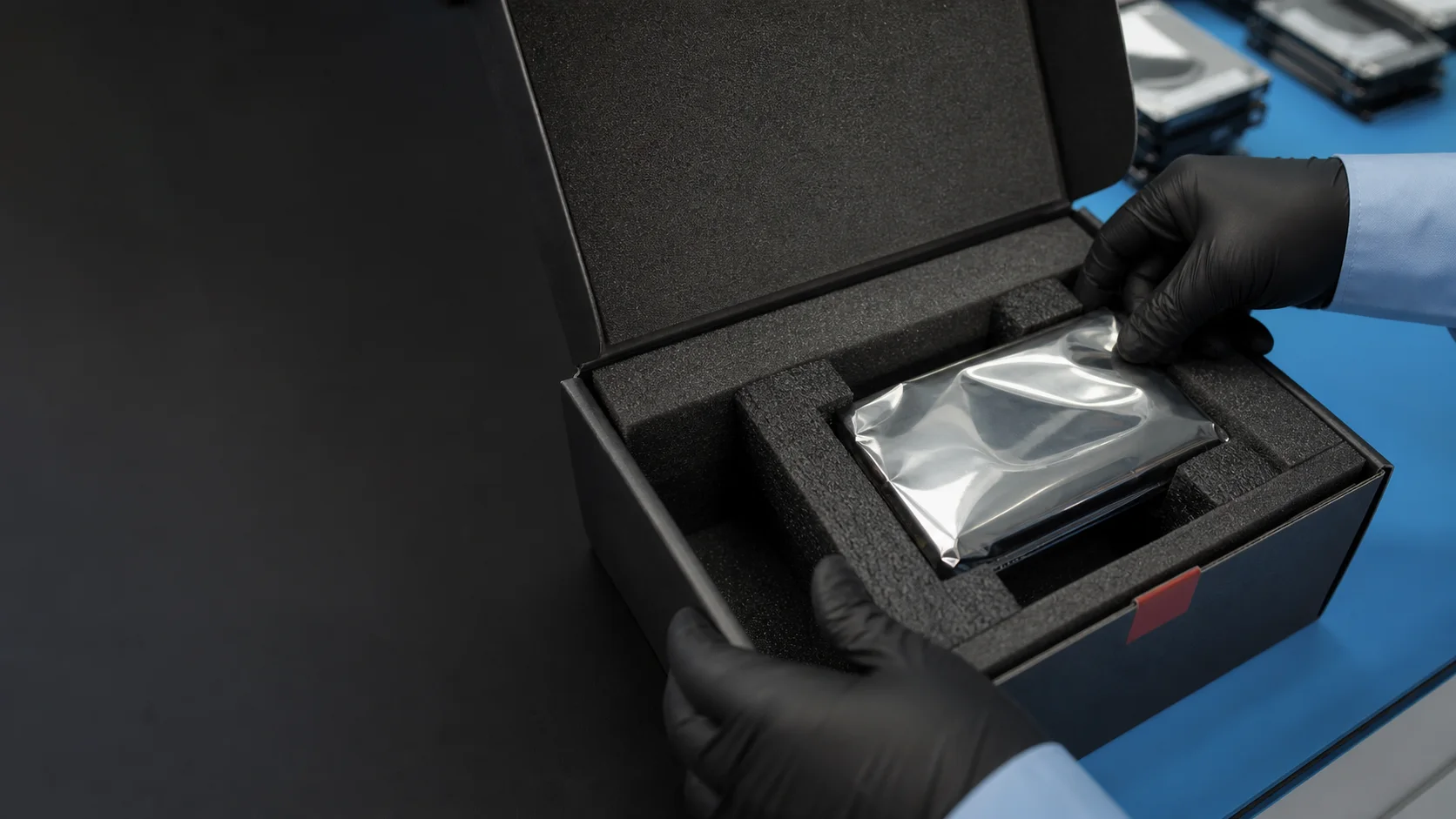
How to pack and send your device
Contact us before dispatch. Once we confirm what should travel, protect the device against static, movement and another impact, use tracked delivery and send us the tracking number.
Speak to us before the box is sealed.
The correct parcel contents depend on the fault. A bare drive may be enough, but a soldered SSD, damaged USB enclosure, RAID controller or unstable phone can change what we need to receive.
Sending a client's device from your own bench? The partner programme covers white-label handling and who speaks to your client.
Describe the device first- 01 Contact Datraction
Tell us what failed, what has already been tried and which data matters.
- 02 Wait for the intake instruction
We confirm what to send and whether the device needs special handling.
- 03 Pack and dispatch
Follow the checklist, then send it with your own tracked carrier or ask us to book the collection for you.
The packing checklist
The aim is simple: the storage must arrive in the same condition in which it left you. Work through these steps in order.
- 01
Stop using and power down the device
Do not run another scan, attempt a repair or keep reconnecting unstable storage. If a drive clicks, a device is wet or the fault is changing, leave it powered off and tell us before packing it.
- 02
Confirm exactly what should be sent
We may need only the storage device, or we may need its enclosure, computer, charger, controller or complete array. Send photographs and model details first if removing the storage would require dismantling the device.
- 03
Protect the device itself
Place a bare hard drive or SSD in an anti-static bag where available. Protect exposed connectors, do not let tape touch a circuit board and do not put loose accessories where they can strike the device.
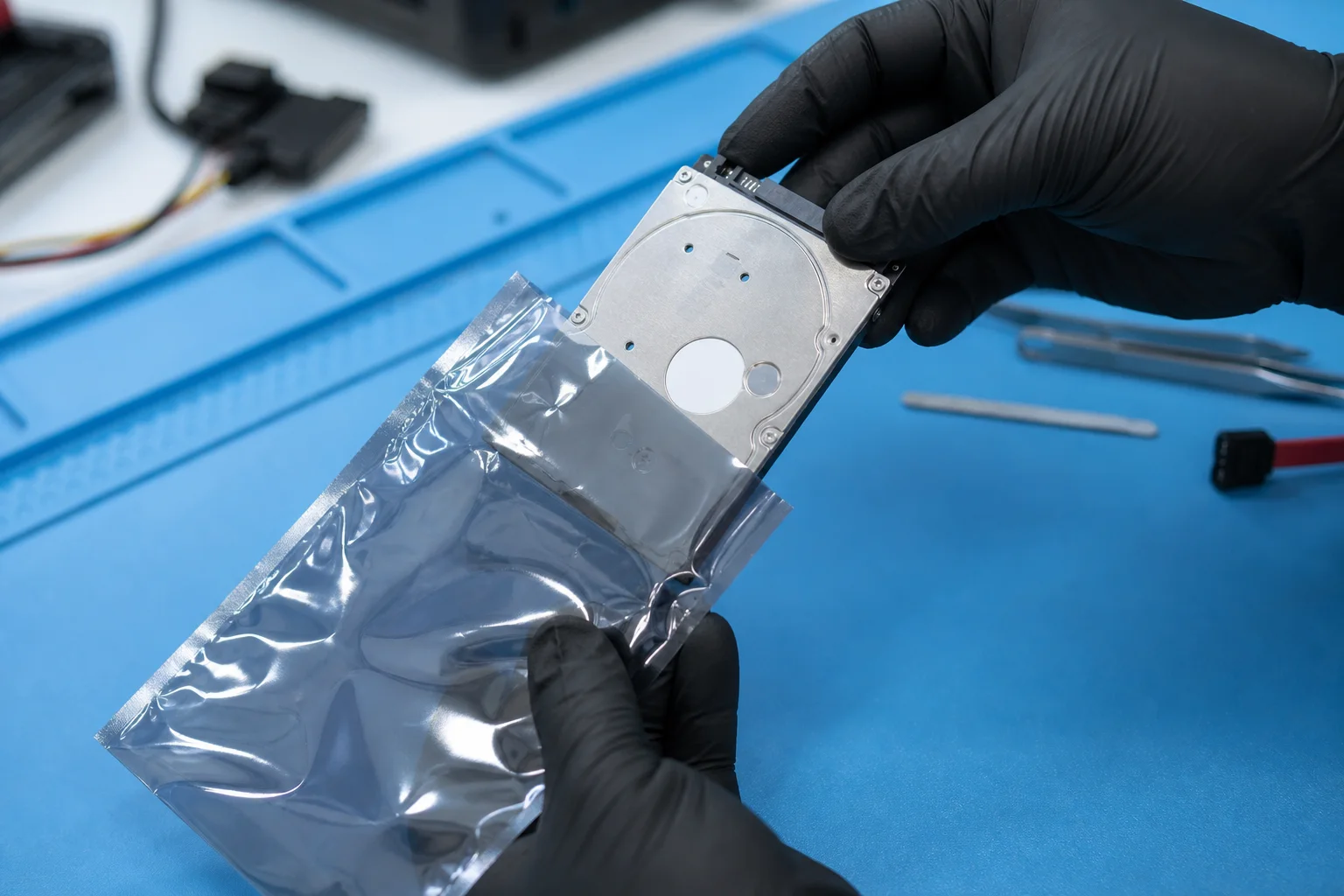
Protect a bare drive against static before adding cushioning - 04
Immobilise it inside a rigid outer box
Pack the device in a rigid box with enough cushioning on every side to stop it moving in transit. A bare drive should also be protected against static.
Cushion every side. Nothing inside the outer box should move. - 05
Identify the case without exposing credentials
Put your name, telephone number, email address, device description and any reference we have given you inside the parcel. State which files matter most. Do not include passwords, passcodes or recovery keys in the box; we will arrange a separate way to provide them if required.
- 06
Seal the box and use tracked delivery
Use a tracked delivery service and keep the tracking number until the device has been logged by the lab. Follow the carrier’s rules for electronic devices and batteries, and keep proof of dispatch.
Different devices need different handling.
These notes do not replace the intake instruction. They explain the risks that change the way a parcel should be prepared.
- Hard drives and external drives
- A mechanical drive needs anti-static protection, cushioning on every side and a box in which it cannot move. Do not send a clicking drive loose in a padded envelope. Include the power supply only if we ask for it.
- SSDs, USB drives and memory cards
- Protect exposed contacts and place a small device in a rigid case or container before cushioning the outer box. Do not tape over components or circuit boards.
- Laptops, desktop computers and phones
- Power the device off and send only the accessories we confirm are useful. Protect screens and corners. Do not remove soldered or inaccessible storage solely for delivery.
- RAID and NAS systems
- Contact us before dismantling the array. Photograph the system and label every member drive with its original bay position without covering the manufacturer label. Do not initialise, rebuild or change the drive order.
- Wet devices or damaged batteries
- Do not charge, heat or test the device. Tell us about liquid ingress, swelling, heat or impact before sending it. A damaged lithium battery may be restricted by the carrier, so the delivery route must be confirmed first.
Send only after confirmation
London laboratory address
Datraction136 Kingston Road
London
SW19 1LY
United Kingdom
After dispatch
- 01
Email the carrier name and tracking number to hello@datraction.co.uk.
- 02
Keep the receipt and tracking details until we confirm the device has been logged.
- 03
Do not assume a carrier scan means laboratory intake; we will notify you after the parcel is matched to a job.
What happens after it arrives?
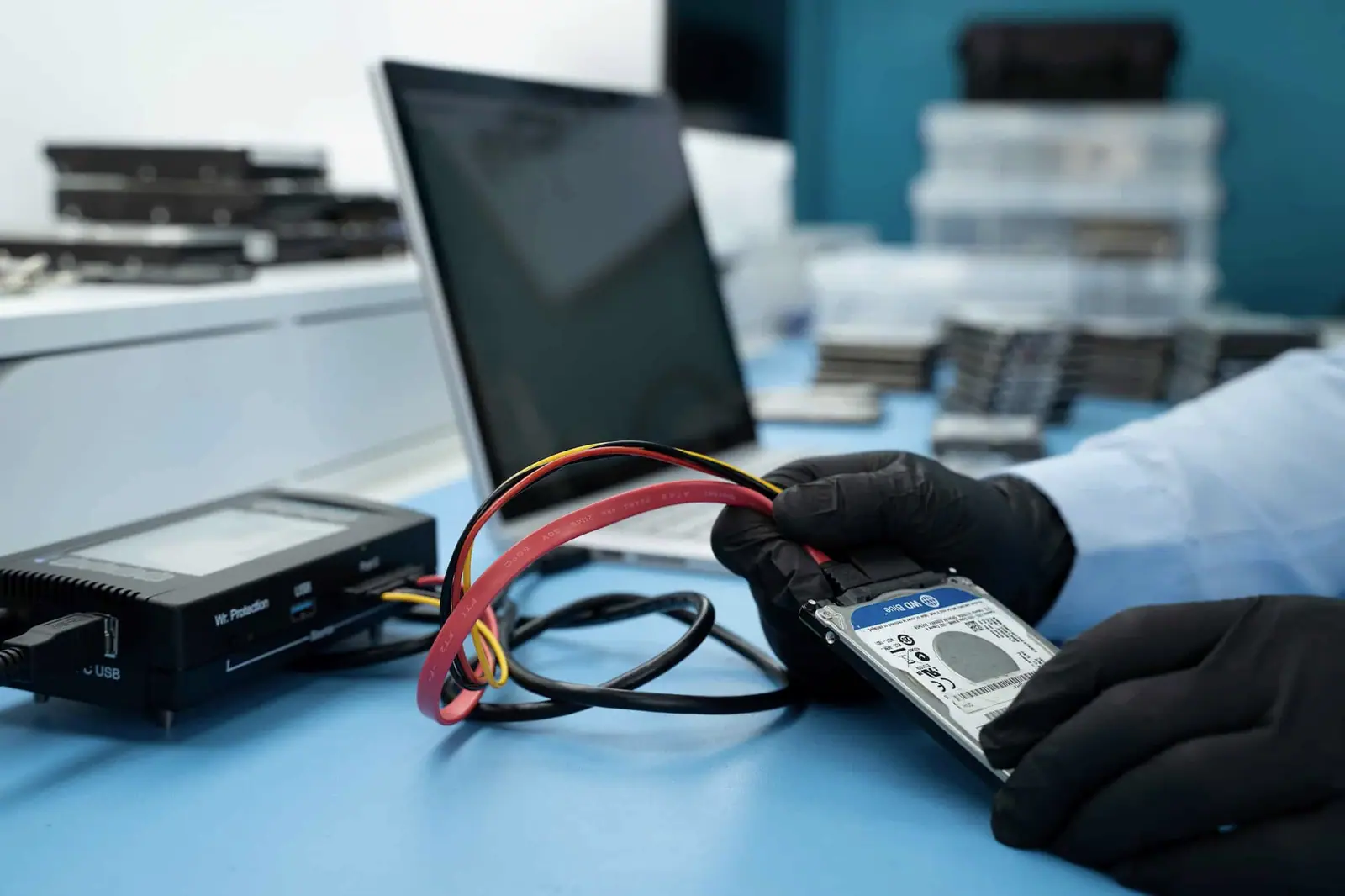
Arrival starts a controlled process. It does not authorise chargeable recovery work.
- 01
Logged
The device is photographed, registered against a job ticket and receipt is confirmed.
- 02
Assessed
We assess complete recovery and whether a useful partial result remains possible.
- 03
Quoted
You receive a written price or agreed range before recovery begins.
- 04
Approved
We proceed only after you accept the proposed work and commercial limit.
Questions before dispatch
Ask us if the device or proposed delivery does not fit these examples.
- Can I send a device without contacting Datraction first?
- Please contact us before dispatch. We first confirm whether it is safe to power the device, what equipment should be sent and whether the proposed delivery route suits the fault. This also gives us the information needed to match the parcel to your enquiry.
- Should I send the charger, cable or external enclosure?
- Only when we confirm it is useful. Some faults may be in a cable, power supply, USB bridge or enclosure, while other cases need only the storage device. Sending photographs and model details first avoids unnecessary items travelling with the case.
- Should I put my password or BitLocker recovery key in the parcel?
- No. Put contact and case information inside the parcel, but do not include passwords, phone passcodes or encryption recovery keys. If a credential is needed, we will agree a separate way for you to provide it.
- Do I need to send every drive from a RAID or NAS?
- Do not dismantle or send an array until we have reviewed the system details. We often need every member drive in its original order, including a drive thought to have failed, but some systems also require the controller, enclosure or configuration information.
- Which courier should I use?
- Use a tracked service that accepts the device you are sending and whose packing and battery rules you can meet. Datraction does not require one named carrier. Keep the tracking number and proof of dispatch until we confirm that the parcel has been logged.
- Can Datraction arrange the courier for me?
- Yes. If you would rather not arrange delivery yourself, we can book an insured courier collection for you. The courier cost is payable by you either way and is confirmed before the collection is booked. Alternatively, book your own tracked carrier and send us the tracking number — whichever suits you.
- What happens when the parcel reaches the lab?
- We photograph the device, register it against a job ticket and confirm receipt. An engineer then assesses complete and useful partial recovery. We provide a written price or agreed range before chargeable recovery work begins.
Not sure what should travel?
Describe the device and the failure first. We will confirm the safest next step before you arrange delivery.
Or call 020 3903 9920.