Data Migration Service
Datraction plans data migration around the source condition, destination and files that matter most. A healthy source can be transferred directly under controlled conditions; a failing source may need imaging first. We agree the scope, compatibility limits, verification and written quote before sustained copying begins.
Discuss your migration
- Source first condition assessed
- Controlled unstable media preserved
- Verified priority data checked
- Written scope before work begins
What kind of move are you planning?
The source condition, destination and verification requirement decide whether this is a direct migration or a preservation-first recovery job.
-
Healthy device replacement
The source reads normally and the move is planned.
- Do this now
- Tell us what must move and what needs to work afterwards.
- Likely lab route
- Scope, compatibility, destination and verification are agreed before transfer.
-
Slow or unstable source
The source disconnects, reports errors or is becoming less reliable.
- Do this now
- Stop long copy attempts and do not prioritise speed over preservation.
- Likely lab route
- The source is imaged or cloned first where technically possible.
-
Cross-platform or application-bound data
The move crosses Windows, macOS, Linux, mail, databases or permissions.
- Do this now
- Identify which folders, accounts and applications must remain usable.
- Likely lab route
- Compatibility limits and verification are written into the scope.
A controlled migration has four distinct stages
Source preservation and destination preparation happen before copying; verification is a separate step after transfer.
- Source assessment
- Preservation copy
- Destination
- Transfer
- Verification
A successful byte transfer does not automatically prove that applications, permissions or databases work.
What the written scope makes explicit
The scope separates a controlled transfer from a recovery case and states how the result will be checked.
What the scope can confirm
- Priority folders and data sets to be transferred and checked.
- A preservation-first route for an unstable source.
- Platform, permission and application limits that affect the result.
Limits to plan around
- A failing source may not yield every unreadable region.
- Licensed applications and proprietary databases may need vendor involvement.
- A migration cannot recreate credentials, keys or data absent from the source.
How the scope is controlled
A written scope makes the method, limits, verification and handover clear before irreversible or time-consuming work begins.
-
Migration or recovery: which service do you need?
If the source is healthy and readable, the job is usually a controlled migration. If it disconnects, reports errors, becomes extremely slow or is no longer detected, recovery work may be required before anything can be moved. That distinction matters because ordinary copy software assumes the source can keep responding safely.
We assess the source before sustained reading. When it is unstable, the first objective is to create the best available image or clone without repeatedly asking the original file system to revisit damaged areas. Migration and verification then work from that preserved copy where possible.
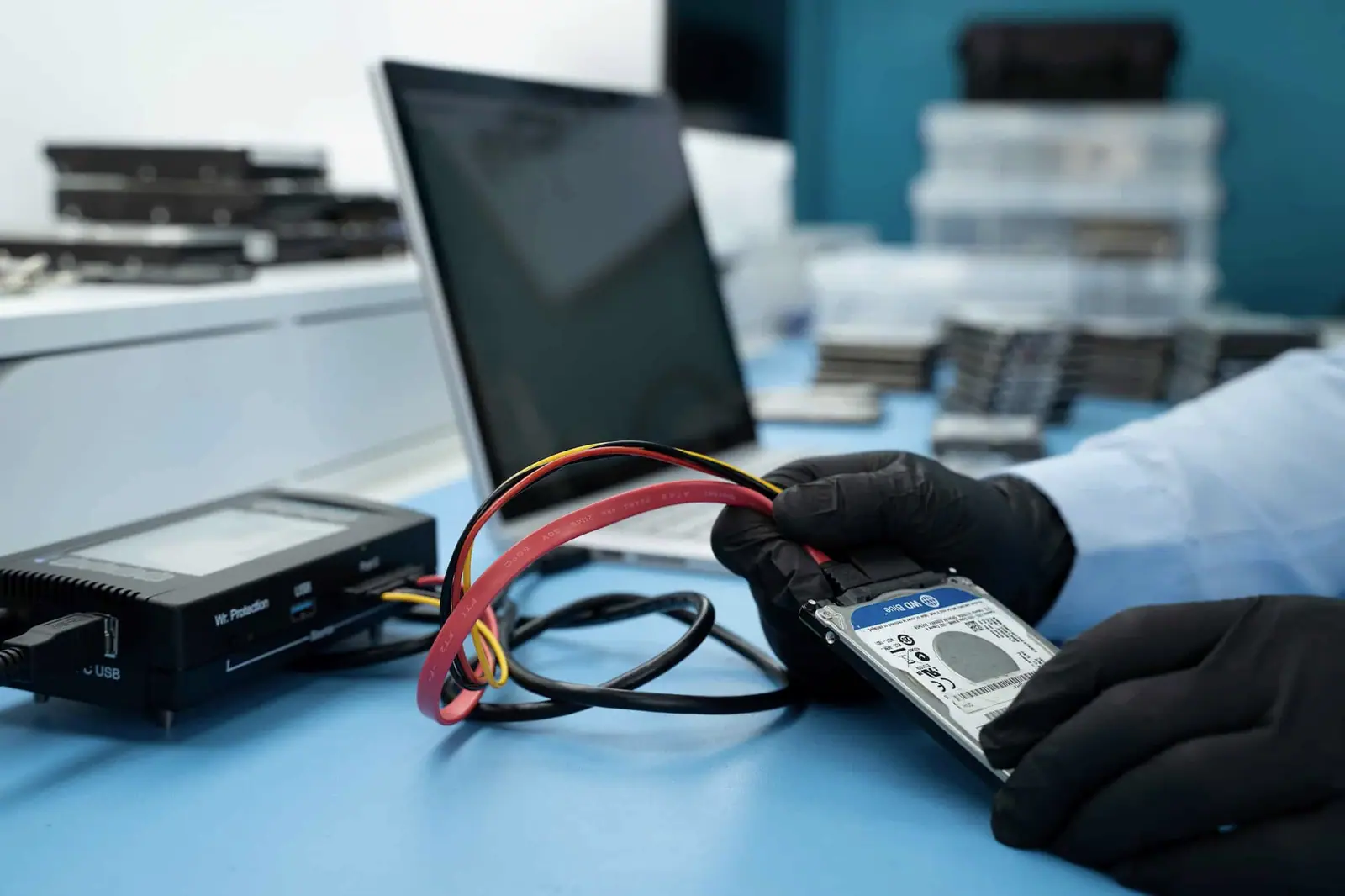
PC-3000 · imaging a failing drive before any repair -
What the written scope covers
Before work begins, we establish:
- the source device or system and its present condition;
- the destination media, operating system or storage platform;
- the folders, accounts, shares or datasets that have priority;
- whether encryption keys and authorised credentials are available;
- permissions, metadata or application dependencies that must be considered;
- the verification expected before handover;
- any downtime, return-media or old-media requirements.
This avoids two common failures: copying a large volume while missing the small folder that actually mattered, and promising a seamless platform conversion when the destination cannot reproduce every source feature.
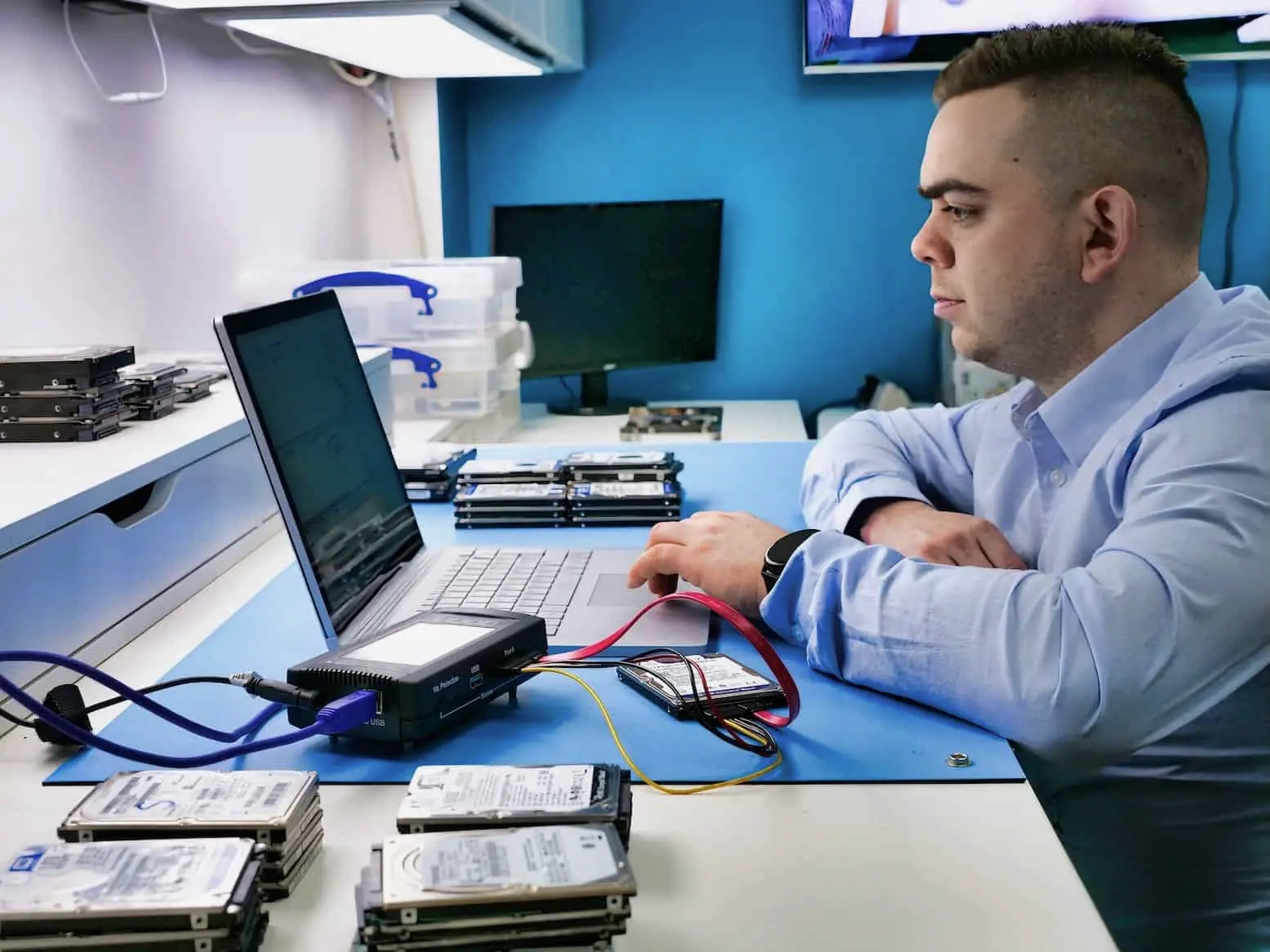
PC-3000 · surface and firmware diagnostics -
Moving between Windows, macOS and Linux
NTFS, APFS, HFS+, ext4, exFAT and network file systems do not store every name, permission or metadata field in the same way. The file systems are not simply “converted” into one another. Files and supported attributes are transferred to a destination that has its own rules.
Ordinary documents and photographs may need little intervention. User permissions, macOS resource forks, symbolic links, case-sensitive names, mailboxes, databases and application libraries can require mapping or a separate export and import. We record those boundaries in the scope instead of hiding them behind the phrase “full migration”.
-
Verification that matches the risk
A completed transfer log is evidence, but it is not the whole answer. We agree which checks matter for the job: folder structure, file counts, total size, copy errors, hashes where appropriate and sample opening of priority files. Application data may need to be tested in the relevant software.
The result is a migration with a defined start point and a defined acceptance check. It is not an unqualified promise that every legacy application, permission or damaged source file will behave identically on new equipment.
How the migration is planned and verified
Source condition, scope and verification are agreed before the transfer route is fixed.
-
Map source and destination
We record what holds the data now, where it needs to go and which folders, accounts or datasets matter most.
Priority data and destination agreed
-
Decide whether normal reading is safe
A stable source can be transferred directly. An unstable source is preserved first where technically possible.
Preservation route confirmed
-
Transfer the agreed data
Data is transferred from the safest available copy with compatibility and application limits recorded.
No silent promise of perfect conversion
-
Check the agreed result
Priority folders, file counts or other agreed evidence are checked before handover.
Verification matched to the scope
Questions about data migration
Do I need to send the whole computer or server?
Not always. A straightforward drive-to-drive transfer may only require the source and destination media. Soldered storage, RAID configuration, application data, server permissions or a source that cannot be read independently may require the original equipment. Send the model, layout and migration goal first so we can confirm exactly what is needed.
Can you migrate data from a drive that is already failing?
Potentially, but it becomes a preservation job before it becomes a migration. Repeated normal copying can keep returning to damaged areas and place more load on an unstable device. We assess the source, agree the priority data and use controlled imaging or cloning where that is the safer available route.
Will everything work identically on the new computer or operating system?
Files can often be transferred, but applications, licences, user permissions, mail profiles, databases and platform-specific metadata do not automatically become compatible. We state what the migration includes and what needs separate configuration or specialist application work, rather than treating a file copy as a complete system conversion.
Will you take a backup before moving the data?
For a healthy source, we can create or retain a controlled working copy when that forms part of the agreed scope. A complete preliminary backup may not be possible when the source is already failing. In that situation, preservation reads and the most important data are prioritised before a broader transfer is attempted.
How do you verify a data migration?
Verification is agreed before work starts. It can include comparing the expected folder structure, file counts and sizes, checking copy logs and opening a sample of priority files. No single check proves that every application-specific dataset is usable, so critical databases or mail stores need an appropriate application-level test.
How long does a migration take and what does it cost?
The quote depends on source condition, data volume, destination speed, platform differences, downtime and the verification required. We provide a written scope, price or agreed range and realistic timing after reviewing those points. A failing source normally takes longer because safe acquisition is more important than raw transfer speed.
Describe the source and destination
Tell us what holds the data now, where it needs to go, whether the source is stable and what must be checked afterwards.
Prefer to speak to someone? 020 3903 9920